Posts Tagged Zbrush

Zbrush Mechanical Part 7, Nurnies

mechboxFor years, model makers, whether working in the real or 3D world have known one secret to making things look realistic is often to add small details that represent the mechanical surface of the machine in question.   To speed things up, especially in the days when we worked in styrene instead of bits, small pre-made casts of mechanical “bits”, referred to as nurnies or greebles were glued to objects to make that object look “real.”   It’s a convincing illusion, even with the simplest model.   In this example, I’ve taken the simplest model I could think of, a straight edged cube.    For a real project, I would mix in six or seven nurnie types to increase the complexity of the surface, but for this example, I just used one, a hatch and varied its size.   Zbrush has a fast way to do this–it’s called the Mesh Insert brush.  

meshweave-hatch

A Nurnie By Meshweaver

The Mesh Insert brush allows you to pick another model and just stick it to the surface of the model.   The “Brush Mod” slider controls how deep the object will be placed on the surface.   (I often slide it up around +40 to +60 so that the nurnie generally riding right on the surface.

The main point of nurnies is to save time, so you may want model for yourself a few Lego-like pieces to stick onto your next project.   I have a library of few hundred in various resolutions I’ve kept handy for my projects.  :)

If you really want to save yourself time, Meshweaver Productions make two very extensive collections. For £82.48 GBP (about $125 USD), you can have hundreds (about 550, each rendered in multiple resolutions) of detailed nurnies in your library which represent hundred of hours of saved work.  The hatch I used is from their second collection of  of parts, many based on tank pieces.  (I don’t take compensation on this blog–I bought these myself and really, really like this product.)  

If you look back at part 5 of this series on Zbrush Mechanical, you’ll quickly be able to make fast alphas from your nurnies as well, expanding the possibilities for high quality detailing of your mechanical projects.

If you’re serious about mechanical modeling and surfacing, you owe it yourself to learn about nurnies and start collect your own parts for nurnification.

Tags:

Zbrush Mechanical Part 6, Twist & Turn

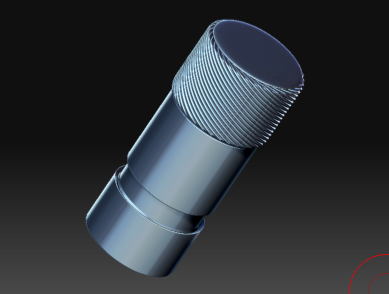
How about a thumb pin like this?  final-knob1

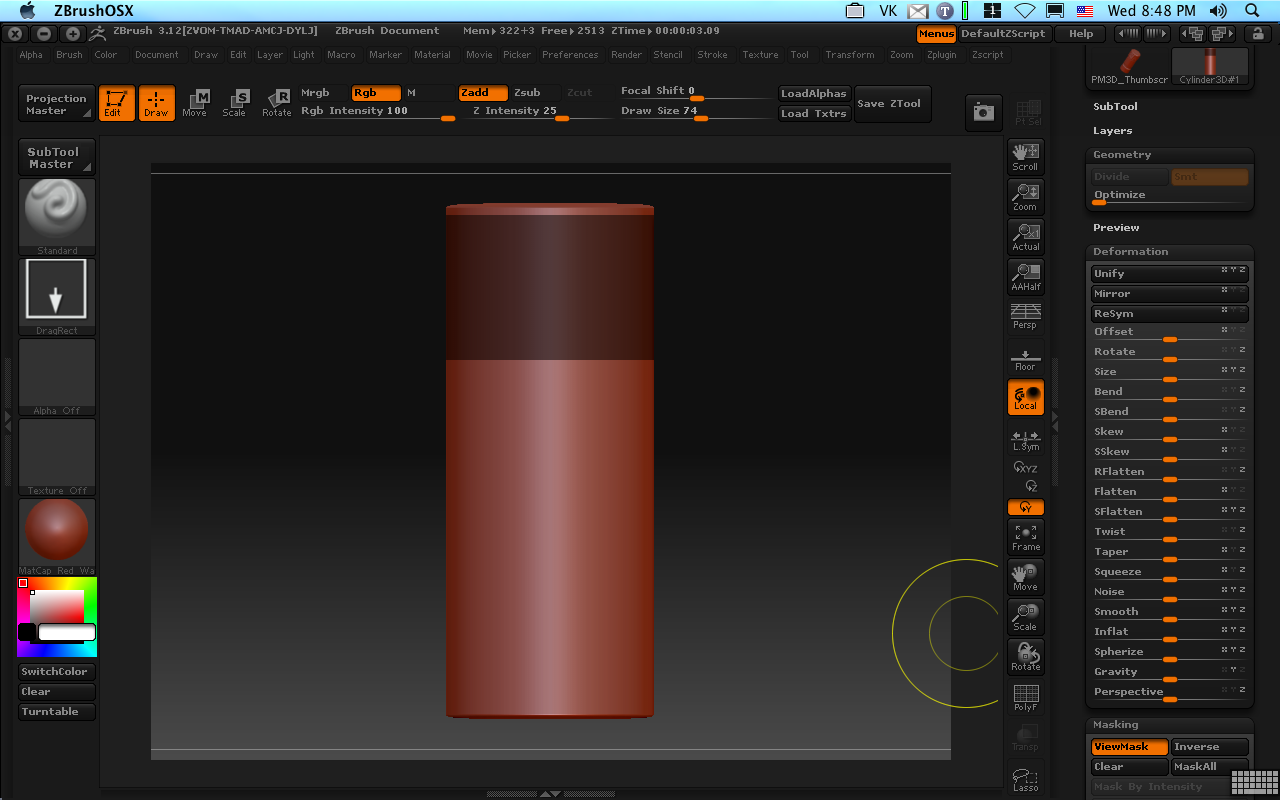
Pretty tough?   Not really!  Start with your basic cylinder with about 172 by 100 divisions:basic-cyl2
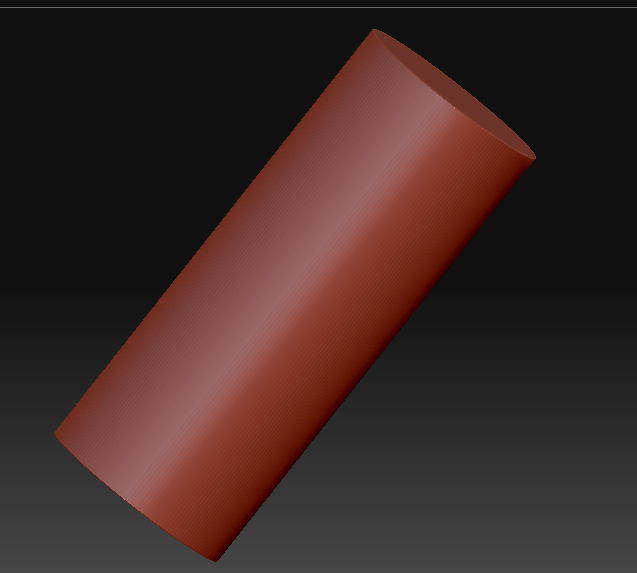
Now a little masking using Ctrl-drag:first-mask3

Invert  (ctrl-tap outside the model) and inflate (Deformation subpallet):inflate4
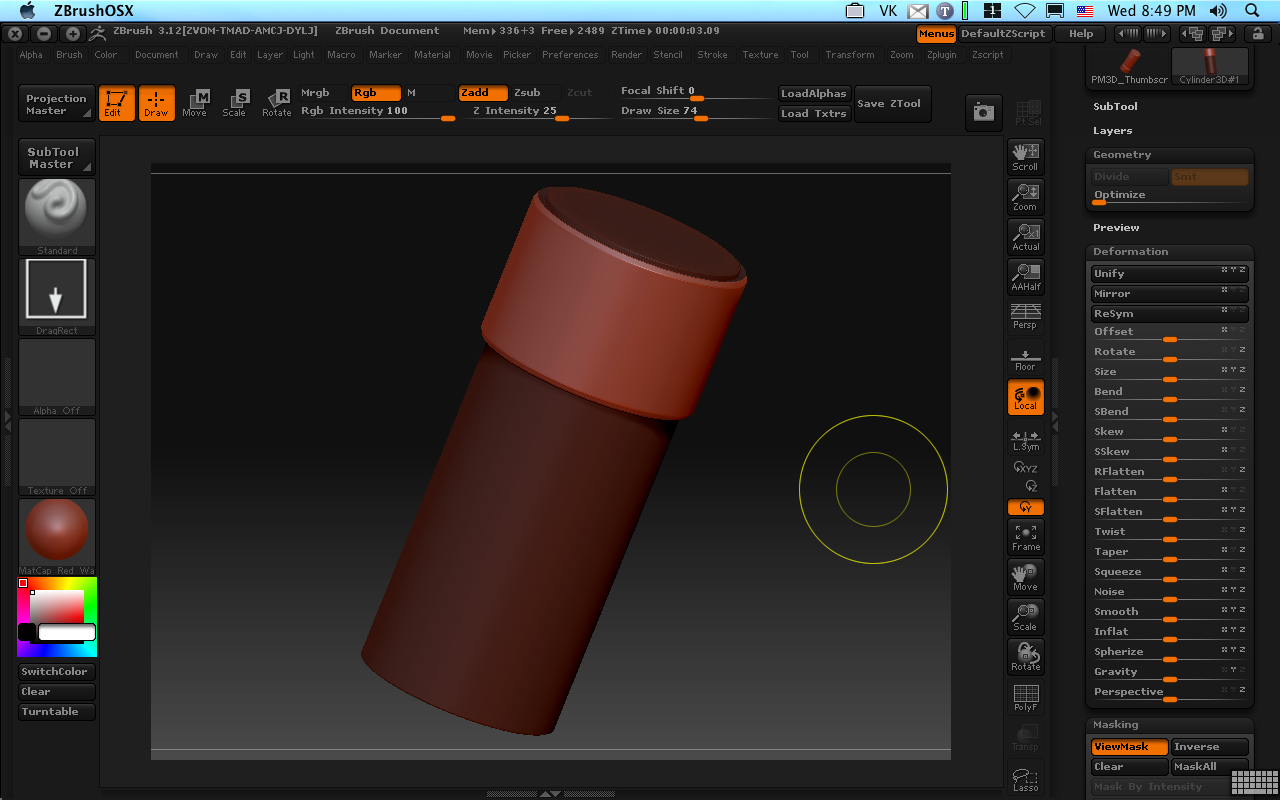
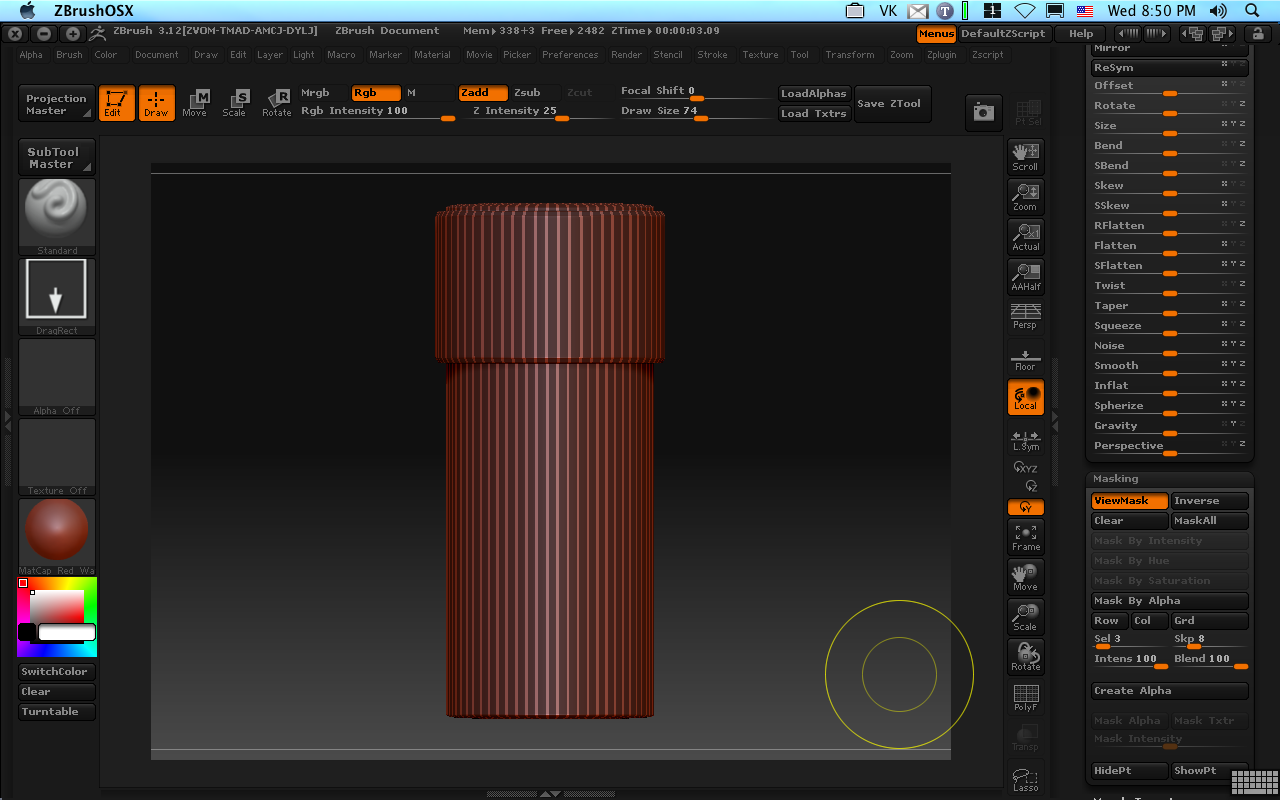
Now for some stripes.   On the masking subpallet, Mask All, and then set sel and skip to 3 and 8.   Hit Col for a nice striped mask:stripe-mask5

Let’s restrict to our inflated area plus a nice little edge:limit-stripes6
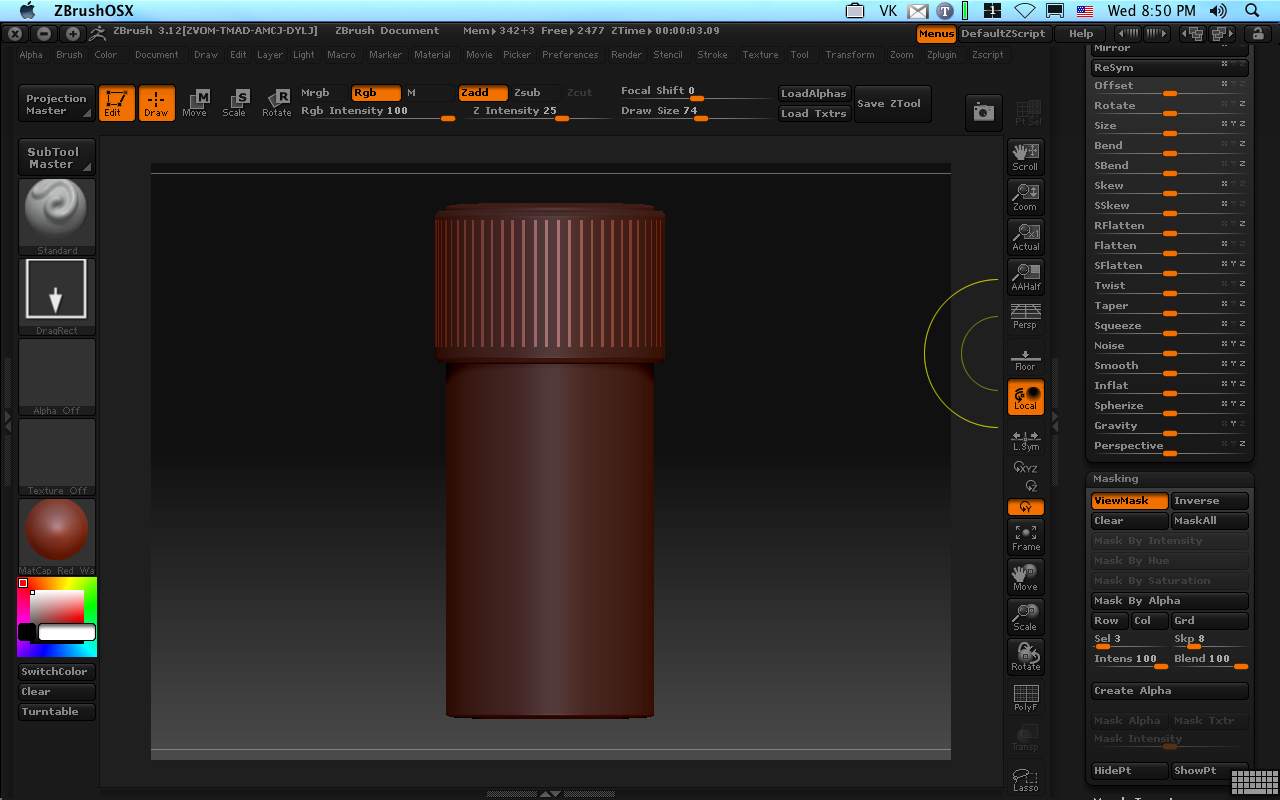
Inflate again:second-inflate7

Pretty good, but I like ‘em all twisty on thumb grips.  Grab and invert a quick selection:third-mask8

And Twist a couple of times (Deformation subpallet):twist9
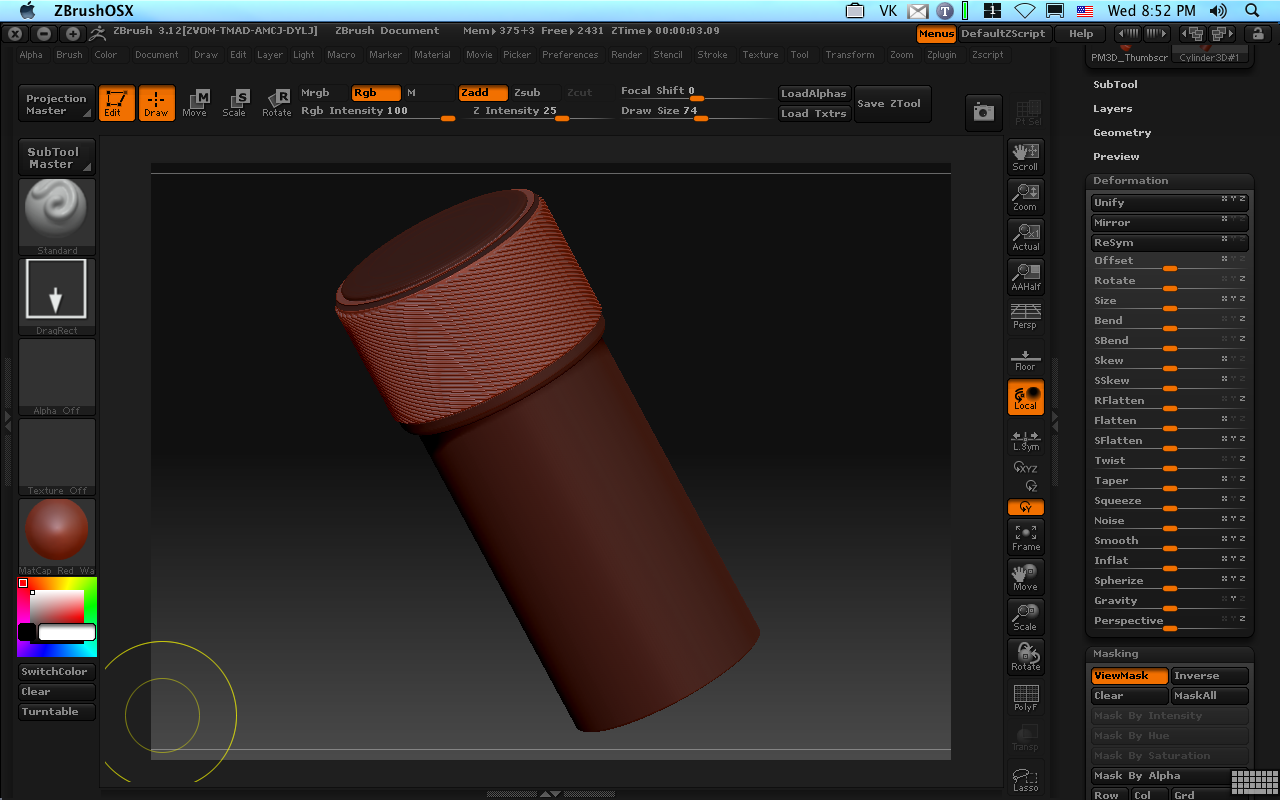
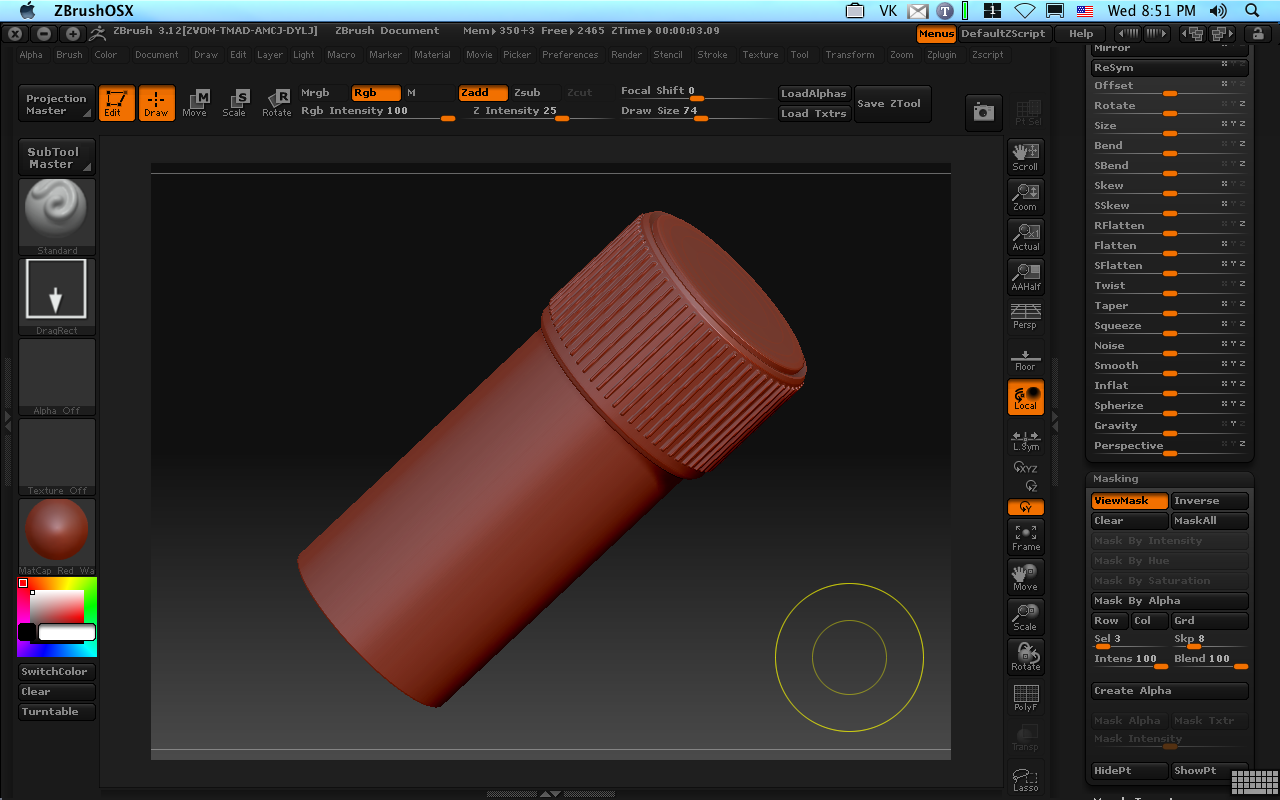
A quick mask and deflate on the body, add a texture, and it’s done:final-knob10
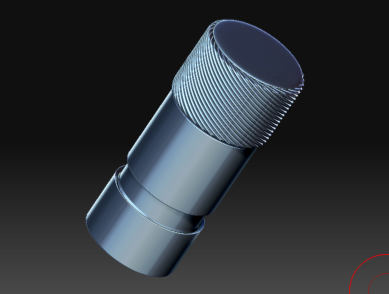
Time to model, about 3 minutes.
Tags: ,

Macworld: Mudbox 2009 is Coming to the Mac!

macproducts_800x_autodeskWhile Pixologic was busy pissing off its customers today, Autodesk has been sneaking up on them.

The big news for sculptors at Macworld:  Autodesk Mudbox 2009 is coming to the Mac!   No details yet, but published in Architosh:  ”While some products were previously announced for the Mac today Autodesk is unveiling Mac OS X support for Autodesk Mudbox 2009, Autodesk Toxik 2009, and Autodesk ImageModeler 2009 for the first time.”

http://architosh.com/2009/01/mwsf-a…w-mac-products/

You can bet that I’ll be shelling out the dough for Mudbox when available and will try to get a Mac first-look here as shortly thereafter.

Now things get interesting!

—————–
Update:

From the press release.  Expected ETA is February this year.

Autodesk Mudbox 2009: A highly intuitive application for painting, texturing and re-touching 3D models. Mudbox software gives 3D modelers, artists and designers the freedom to create without worrying about the technical details. Breaking the mold of traditional 3D modeling applications, Mudbox 2009 provides an organic brush-based 3D modeling and texture painting experience that ignites the creative process. Mudbox 2009 for Mac OS X is expected to be available in English in February 2009. Autodesk suggested retail pricing for Mudbox 2009 is expected to be $745 USD*.”

http://pressreleases.autodesk.com/index.php?s=press_releases&item=514%3C%2Ftd%3E

Tags: ,

What is a Show Stopper?

Apparently the folks at Pixologic don’t get it.   The inability to construct mac-based displacement maps without artifacts is apparently not a “Show stopper” to them.  I was struck by this original concept–the maker of a product, deciding for themselves what is a “show stopper.”   What next?  Cars without brakes?  It’s not a show stopper, just use your feet . . .

It is this kind of nonsense from a manufacturer that engenders the love-hate relationship between Pixologic and it Mac user base.  On the one hand, they build a unique and interesting product.  They promise a mac version for years and when they ultimately deliver, it’s broken in several places.  They promise to fix it in the next version and promise it will be delivered last year.   Then, when called on it they sheepishly announce “we’ll tell you later.”   When further called on it, they derride the concern as not a show stopper.   This is a PR nightmare and it amazes me to watch a company just dig themselves in deeper.   If you think it is a showstopper, let Pixologic know: support@pixologic.com.

References
——————–
http://zbrushcentral.com/zbc/showthread.php?t=61998 
http://www.zbrushcentral.com/zbc/showpost.php?p=517238&postcount=14
http://www.zbrushcentral.com/zbc/showthread.php?t=64630&page=7&pp=15

Tags:

Zbrush Mechanical Part 5, Quick Alpha From Geometry

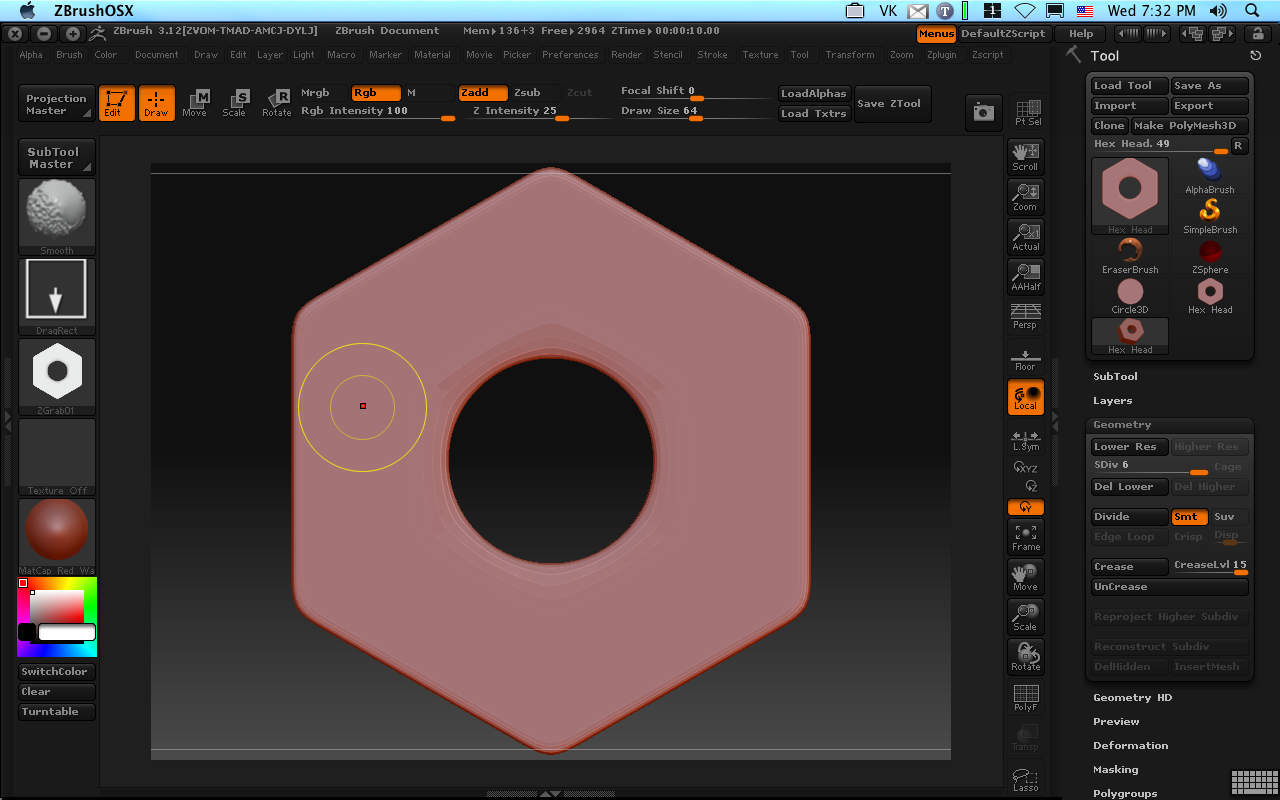
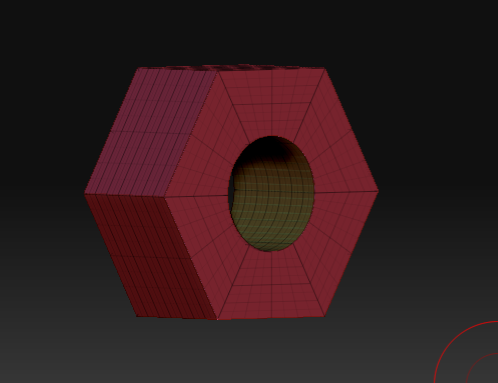
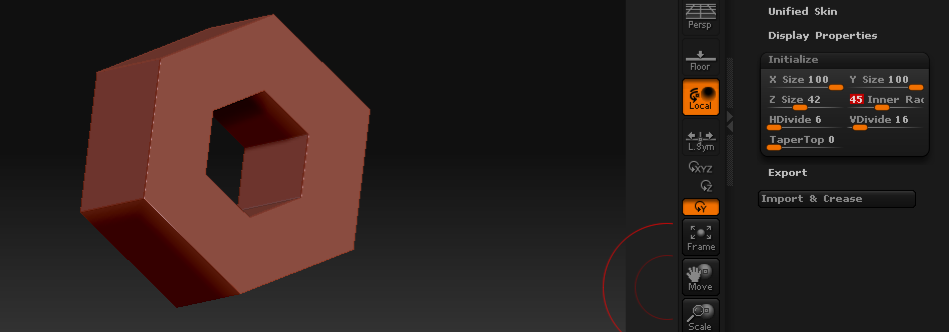
Zbrush makes it easy to quickly create an alpha from geometry, which in turn can be used to detail objects.   Let’s take the hex nut from the previous exercise.   By turning SMT on in the Geometry Subpallet art level 4 and subdividing a bit more I’ve rounded the edges to give me a nice bevel.   I just position it so I’m looking straight down on it, (use shift-drag outside the object to snap the view to the nearest orthogonal position.)  To make an Alpha from this shape, it’s just as easy as going to alpha pallet and clicking “GrabDoc”.   A new alpha is available on your alpha pallet, starting “ZGRAB” like magic!original-nut

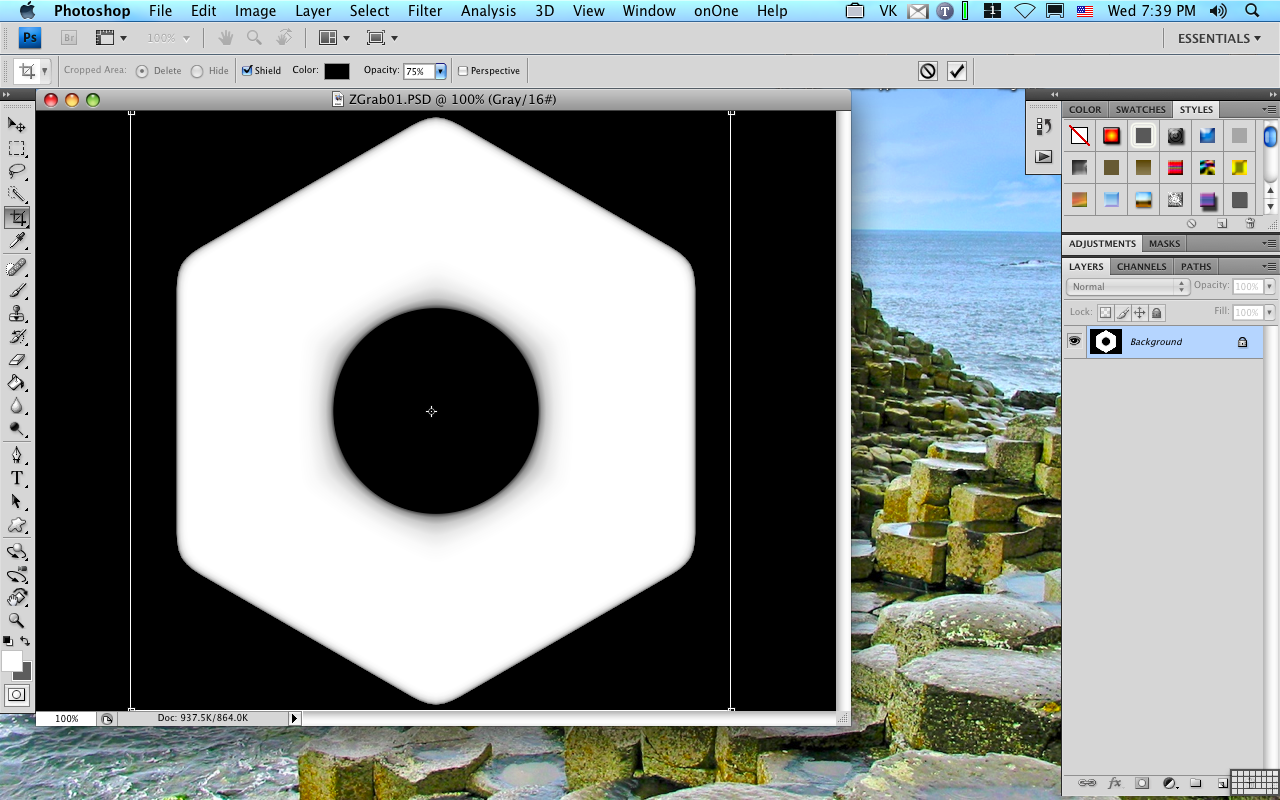
You’re not quite done yet–ZB prefers square alphas to avoid distortion and because I was lazy, the canvas was actually 800 x 600.   It’s a quick fix in an image editor, so export the alpha from the image pallet, fire up photoshop and crop to 512×512.photoshopcrop

Name the file it something suitable, reload it into ZB, and now you sculpt with it using any brush you like (I prefer the Clay or Layer brushes for example.)  

hexhead

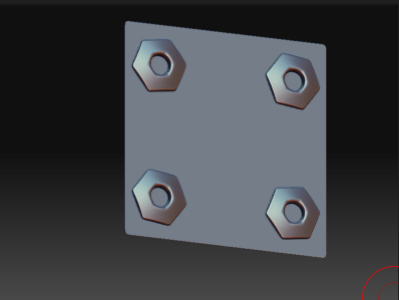
Turn on symmetry and with one stroke, I have detailing on a plate.sculpted-alpha

Tags: ,