Archive for category 3D

Zbrush 3.5 R3 Released

ZBrush3-51I am truly impressed with the Zbrush 3.5 series, including the latest release R3.   Having switched to 64-bit Windows from Mac for my sculpting some time ago, it has enabled me to see the latest innovations in sculpting for Pixologic.   (Sadly, Mac versions are still in development with no release date in sight as of this writing.)  However, if there ever was a reason for Mac sculptor to get serious about Bootcamp and Windows, Zbrush 3.5R3 may just be the reason.

With the introduction of 3.5, Pixologic introduced us to a sketching with Zspheres.   Gone is the need to develop a highly planned armature before sculpting.   Sculptors can now grow their base mesh model much like adding tubes or lumps of clay together and then skinning them to create a sculpt-able mesh.  The primary output of this workflow is what is referred to as a “unified skin” which is a sort of smoothed voxel construction in space.   Probably not an efficient animating form, but for sculpting it has the advantage of being relatively uniform mesh.   Pixologic has done considerable magic in their skin generators to handle branching forms (including the more traditionally used adaptive skins.)  In 3.5 R3, they have also added considerable features for defining edge loops by merely painting color on the surface of the model.   That’s right, in 3.5R3, you can just paint color on the surface of your sculpture and Zbrush with calculate an underlying topology to follow your colors.  It is a truely an amazing piece of technology in and of itself.

What’s more important is the sculpting tools.  While R1 and R2 offered us glimpses of the power we would see with unified skins, the clay brush types were the primary manipulators of the mesh for sculpting.   With the R3, a new category of polish brushes have been introduced.   They take a little getting used to, but the gist is this: press lightly, the buff and smooth your surface (like running a wet finger of over clay), press hard and they gouge into the surface or operate like a planer flattening tool.   It seems like a bit of an odd combination in words, but when in actual usage, the feel like the ideal detailing tools for working on hard body forms in virtual clay.

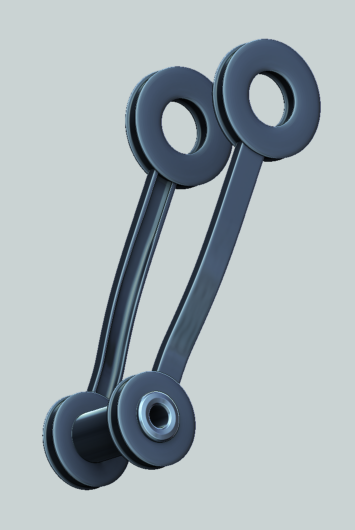
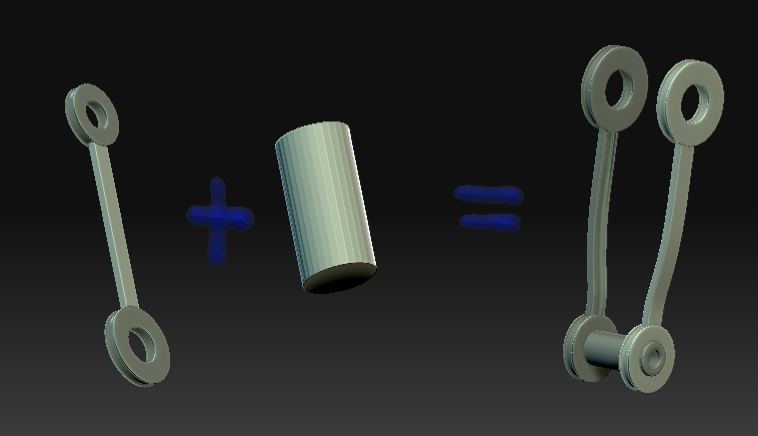
R3 also adds a Boolean system for Subtools, so many unique new forms can be quickly established from primitives including boring precise holes into surfaces or alternatively closing up holes or gaps.

Polygroups (essentially selections) have become quite powerful in R3.   They can be used to define selections, painted on textures, convert to masks, and even saved as textures (although this feature seems slightly experimental for some–use with caution.)   One of the best features is that brushes can be told to automatically mask their actions with the polygroup as you contact the surface of the polygroup, thus confining the brush to that group alone.   This will save tones of time detailing a model since hiding polygroups to get a a hard edge is no longer required.   (Try this with the layer brush and you’ll see what I mean.)

Projection tools a better than before.   This will be handy since unified skins aren’t always the best for animation.   With the projection tools a complex mesh can now be easily transferred (color/surface information included) to a more traditional mannequin which can be created through traditional Zsphere adaptive skins, a SDS modeler such as Modo, Topogun, or Zbrush’s own retopology tools.

Clearly Pixologic is committed to innovating Zbrush beyond any other sculpting product out there.   The fact that this innovation is free to existing customers of Pixologic is truly an amazing testament to their belief in supporting their customers (compare to Luxology’s $395 upgrade from 301 to 401  on Cinema4D’s latest “point-5″ upgrade weighing in at a hefty $695.)   Zbrush is a bargain the digital sculptor cannot overlook.

Tags: , ,

GoZbrush

gozlogoSome exciting news from Pixologic.   Coming with ZBrush 4 (sooner for Mac Users) scritped interaction with key applications is coming.   This initiative is called GoZbrush and will address probably the most difficult of aspect of ZB: integration with other applications.   GoZB promises to offer one-button shipping of models between enabled applications, seemingly effortlessly.  It’s worth takling a look at the preview video here: http://www.pixologic.com/zbrush/features/GoZBrush/.

The applications are immediately interesting.   GoZB promises to make jumping out to a polygon  modeler such as Modo to tweak topology and then back to ZB virtually effortless.   I’ll reserve judgment until I can try it for myself, but if it simplifies re-topology of ZB models (perhaps through more conserving reprojection algoilrithms) this will be a major advance for ZB4.  As those who have experienced it know, re-adjusting geometry in ZB3 currently has risks as reprojection from one topology to another shows different degrees of artifacts.   The simple examples in the video (add edge loop for example) don’t make it clear what will happen when more wholesale changes to the underlying geometry.  If it is really as seamless as marketed, GoZB promises a new era in topology management and bridging the world of polygonal-built & rigged models with the freedom of ZB sculpting.

The other advantage promised of GoZB will be the easy export of maps and models back to ZB-enabled applications.   While this path has been endlessly discussed among ZB users and though complicated, doable (given repairs to the displacement map generators), the simplicity actually will enhance the ability to go between test renders and model tweaking.   This will become indespensible in game and animation pipelines where tweaks are often needed to handle unpredicted artifacting in the deformation of models when animated.

First up for GoZB enabled applications: Maya, C4D, and Modo.   Brad Peebler acknowledged Modo’s involvement in the GoZB project in one of his webcasts.  Given the apparent lack of development in Modo painting and sculpting (at least as so far “revealed” over the past few months) this will be a good thing for the Modo community as it will allow easy access to more sophisticated sculpting solution without the pain of matching back and forth between Modo and ZB.

Modo 401 Reveals Continue

newmodologoLuxology’s ’s intentions continue to come more into focus with each reveal.  I think it is pretty clear that Luxology is intending to move more into the ArcViz space as well as offer significant motion graphics capabilities.   In their latest reveal, they’re showing basic IK relationships between objects and path constraints.   It’s not Character Animation (CA) like the bigger packages offer, but it is a clear start on the way to a full animation system.  Will 401 replace Maya, C4D, Lightwave, etc?   Probably not, but it is clear that they are trying for an all-in-one solution that can be used for a variety of paratical animations, including technical animation and architecture fly-throughs.

Still not addressed from my point-of-view is the model-creation side.   It feels like (despite some clever enhancements in the Modelling “reveal”) that Lux has stagnated here.    Very little has been said about sculpting or texturing.  That being said, Modo’s creatiion capabilities may be more restricted to traditional box-modeling (SDS) approaches as the performance of the sculpting solution is very limited when compared to more advanced solutions like Zbrush and Mudbox.    Similarly, I don’t see Modo 401 (yet) challenging Bodypaint’s more complete model painting environment.

So, 401 is shaping up as a bit of a risk for Luxology.   Not really the top modeler (though a very good one), not really a full animation package (though some interesting starts on basic object animation, hair and fibers), and a decent rendering system (though not quite as nice as a full nodal system.)  It’s a lot of middle, but I’m still waiting for Modo 401’s killer app to reveal itself.

Tags:

Modo 401 — Not Quite There . . . Yet

2-20-2009-2-46-58-pmWell, the Luxology gang has been busy previewing Modo 401 for the past few weeks.  I’ve held back on commenting in the hopes that I’d see something worth commenting on.   To be honest, it looks like Modo 401 is aimed at enhancing their rendering features.   Sculpting & Painting (along with the attendant bugs, inefficiencies and just down right baffling errors in terms of understanding what a modeler does . . .) seems to be forgotten in this latest push.   The main features they’ve wanted to bring out are: Fur, Lighting & Rendering Enhancements, and replicators.   Since Modo’s animation capabilities are somewhere between slim and nil, I’m pretty surprised to see their current obsession with still image work.   Without attending to the weaknesses in their hold as modeller, I get the sense that Modo is heading into a neither here nor there world.   Not quite the best modeller, not quite the best UV solution (UV Layout has that one locked up at the moment), not quite an animation package,  not quite the best hair/fur system, no quite the best sculpting system, not quite the best texture map paint system . . . well, you get the idea.   Pretty much everything that Modo offers can be done better elsewhere.   Clever stills that infer fluid dynamics (without delivering the actual animation) pretty much is a yawn . . . where’s the cutting edge in still replicators when the real work is animating flocks and crowds?  Where is sculpting when it’s crippled by a slow image-based solution which is far outstripped by new contenders like 3D Coat which is already incorporating Voxels into their sculpting . . .   Where is the innovation Luxology?

Don’t get me wrong, the still images they’re showing are indeed pretty, but I just don’t see where Modo wants to be in the 3D Universe . . . it seems mildly deficient in many departments, and has given ground in modeling/UV to Silo while giving sculpting up to Zbrush & 3DCoat.   Painting they never really had a lock on (sorry, Bodypaint is better at it), Animation is outstripped by XSI, C4D, Maya, max etc.

At $895 a pop (with probably another $295 from existing clients) wher does Lux go?   I’ll keep following the story, but it is not a promissing beginning.   Prove me wrong Lux, I’m still cheering for you to turn it around, but it looks to me like your development has turned your back on modelers and sculptors for the flash of still rendering.

——

Update 4/9/09:  So far not much new.   They have revealed a few modelling tools which will be welcome enhancements to things like beveling, but nothing earth shaking.    Luxology has devoted as much time to the amazing new feature, “Presets”,   which apparently they believe is as important as any new modeling enhancement they have made.    Judge for yourself.

-K

Zbrush Mechanical Part 11, Wireframes

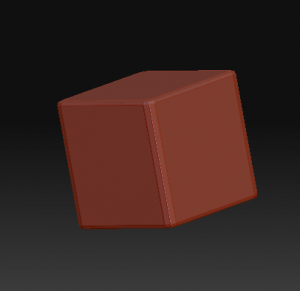
box

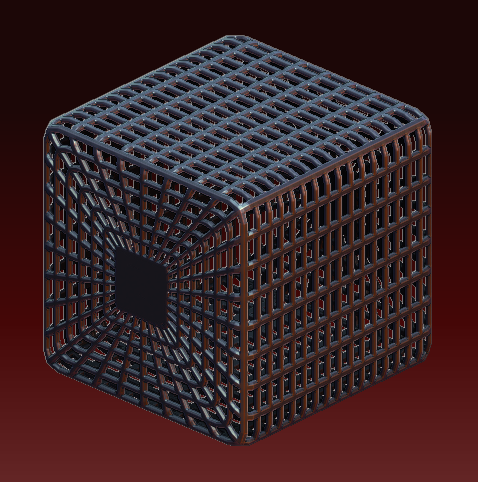
Wireframe cages are handy.    They’re pretty easy to make.   In fact, you can make a wireframe of any mesh’s level 1 polygons quite easily.    You start with your basic mesh, and apply UVTile UVs from the UV pallet.  

Subdivide the model 3 or 4 times so you have some nice detailed geometry to work with and store a Morph Target use “StoreMT” on the Morph Target pallet–we’ll need this later.  


al28

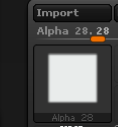
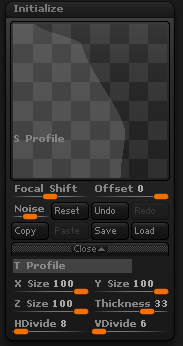
Next, we want to mask the wire look.  This is easy–alpha 28.  It just looks like a square smaller than the the full alpha space.  


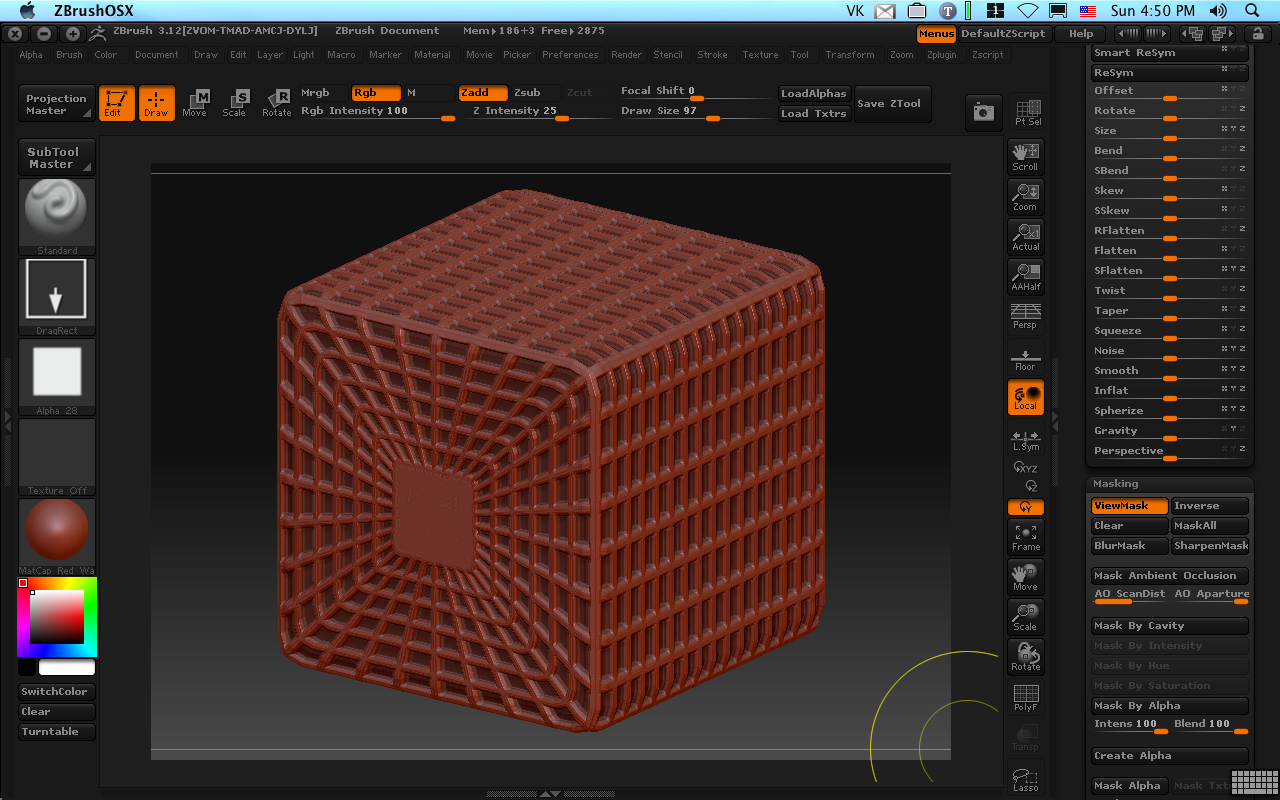
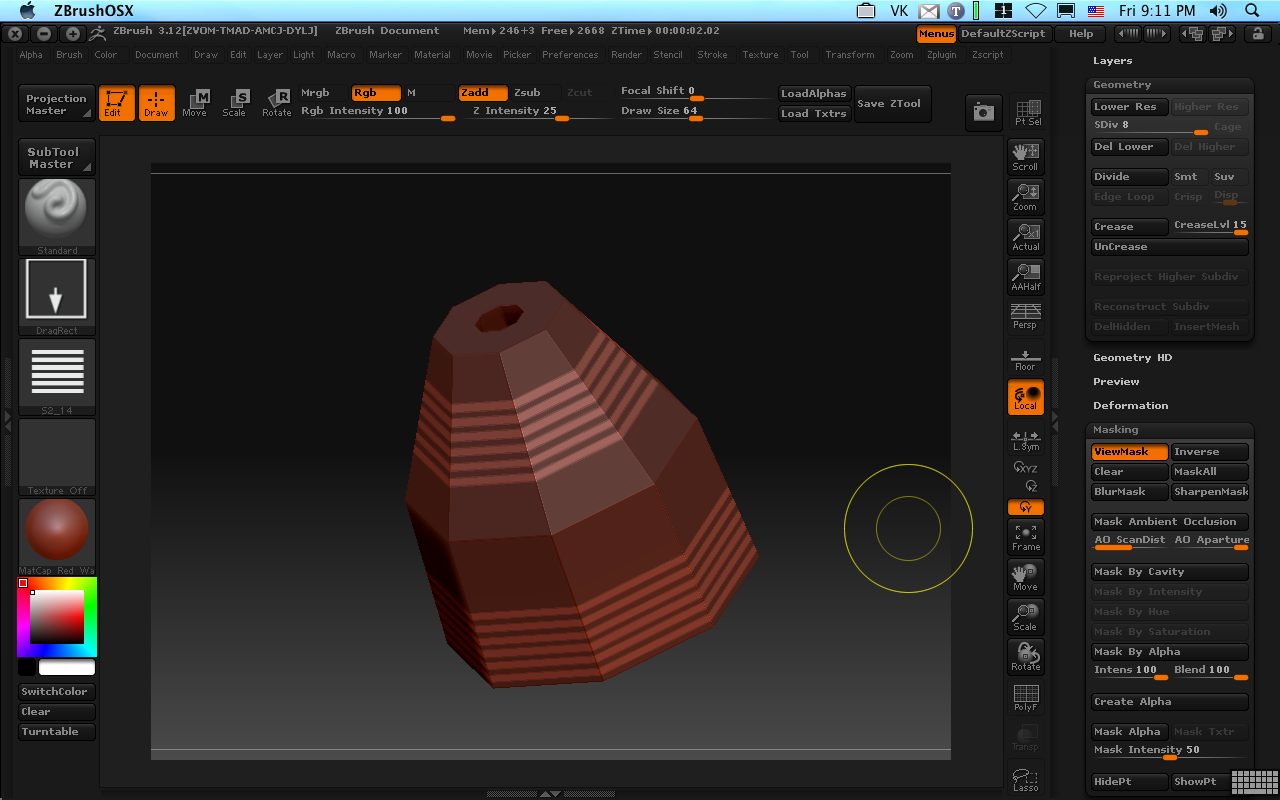
Use “Mask by Alpha” on the Masking subpallet and invert.   I filled out the mask top and bottom squares from my alpha because I’m going to want a place to drop in a logo later.  invertmt

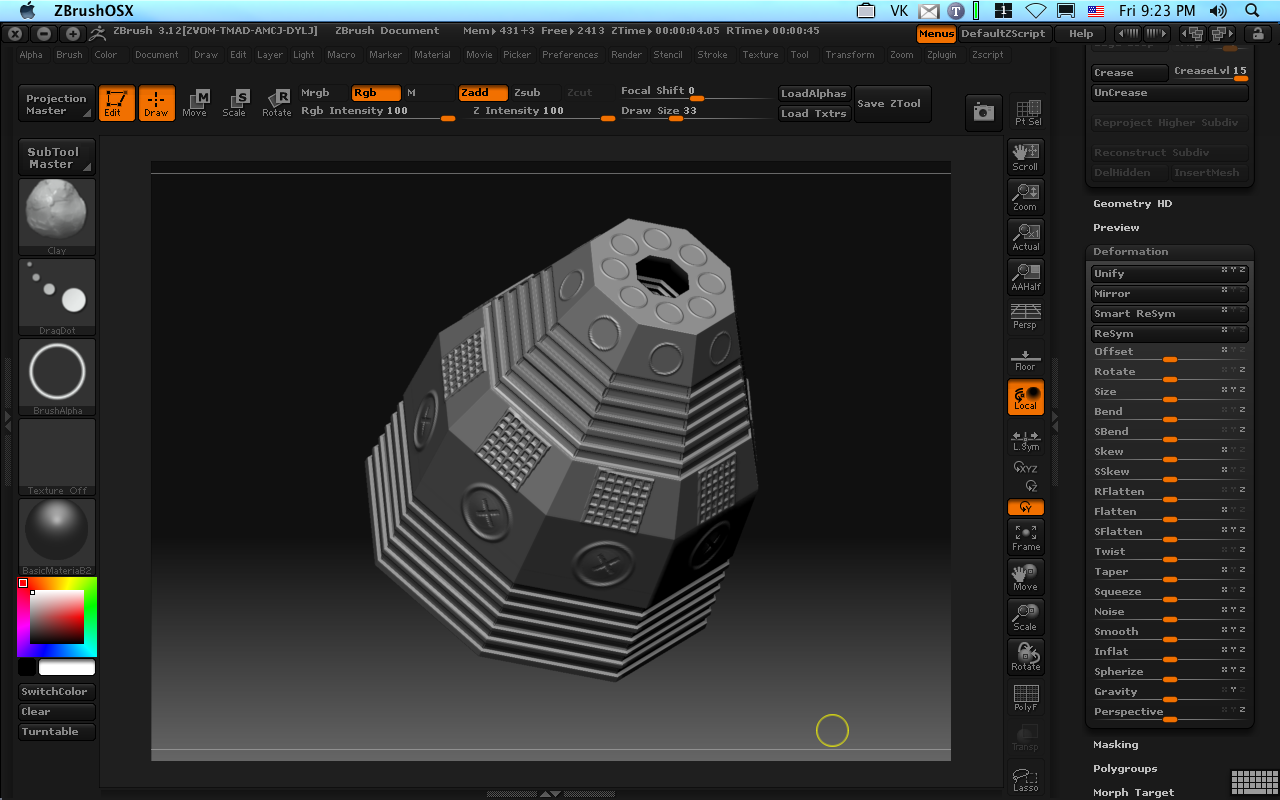
A quick application of inflate and we have the shape protruding up from the basic object.  inflate

If only Zbrush had a way to just save this frame and chuck the rest.  It does!   Remember that morph target we saved?   Well, there is another handy button on the Morph Target panel marked “Create Diff”.   Press it once and it will create a new tool in the tool pallet which is the difference between the existing mesh and its stored morph target.   Since we only raised up the wire shape, that’s the only difference and that’s what we’ll have left, leaving us with nice wireframe shape.cage
Tags: