Macworld: Mudbox 2009 is Coming to the Mac!

macproducts_800x_autodeskWhile Pixologic was busy pissing off its customers today, Autodesk has been sneaking up on them.

The big news for sculptors at Macworld:  Autodesk Mudbox 2009 is coming to the Mac!   No details yet, but published in Architosh:  ”While some products were previously announced for the Mac today Autodesk is unveiling Mac OS X support for Autodesk Mudbox 2009, Autodesk Toxik 2009, and Autodesk ImageModeler 2009 for the first time.”

http://architosh.com/2009/01/mwsf-a…w-mac-products/

You can bet that I’ll be shelling out the dough for Mudbox when available and will try to get a Mac first-look here as shortly thereafter.

Now things get interesting!


Update:

From the press release.  Expected ETA is February this year.

Autodesk Mudbox 2009: A highly intuitive application for painting, texturing and re-touching 3D models. Mudbox software gives 3D modelers, artists and designers the freedom to create without worrying about the technical details. Breaking the mold of traditional 3D modeling applications, Mudbox 2009 provides an organic brush-based 3D modeling and texture painting experience that ignites the creative process. Mudbox 2009 for Mac OS X is expected to be available in English in February 2009. Autodesk suggested retail pricing for Mudbox 2009 is expected to be $745 USD*.”

http://pressreleases.autodesk.com/index.php?s=press_releases&item=514%3C%2Ftd%3E

What is a Show Stopper?

Apparently the folks at Pixologic don’t get it.   The inability to construct mac-based displacement maps without artifacts is apparently not a “Show stopper” to them.  I was struck by this original concept–the maker of a product, deciding for themselves what is a “show stopper.”   What next?  Cars without brakes?  It’s not a show stopper, just use your feet . . .

It is this kind of nonsense from a manufacturer that engenders the love-hate relationship between Pixologic and it Mac user base.  On the one hand, they build a unique and interesting product.  They promise a mac version for years and when they ultimately deliver, it’s broken in several places.  They promise to fix it in the next version and promise it will be delivered last year.   Then, when called on it they sheepishly announce “we’ll tell you later.”   When further called on it, they derride the concern as not a show stopper.   This, is a PR nightmare and it amazes me to watch a company just dig themselves in deeper.   If you think it is a showstopper, let Pixologic know.


References
——————–
http://zbrushcentral.com/zbc/showthread.php?t=61998 
http://www.zbrushcentral.com/zbc/showpost.php?p=517238&postcount=14
http://www.zbrushcentral.com/zbc/showthread.php?t=64630&page=7&pp=15

Zbrush Mechanical Part 5, Quick Alpha From Geometry

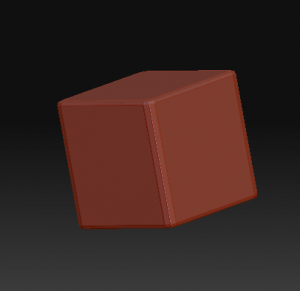
Zbrush makes it easy to quickly create an alpha from geometry, which in turn can be used to detail objects.   Let’s take the hex nut from the previous exercise.   By turning SMT on in the Geometry Subpallet art level 4 and subdividing a bit more I’ve rounded the edges to give me a nice bevel.   I just position it so I’m looking straight down on it, (use shift-drag outside the object to snap the view to the nearest orthogonal position.)  To make an Alpha from this shape, it’s just as easy as going to alpha pallet and clicking “GrabDoc”.   A new alpha is available on your alpha pallet, starting “ZGRAB” like magic!original-nut

You’re not quite done yet–ZB prefers square alphas to avoid distortion and because I was lazy, the canvas was actually 800 x 600.   It’s a quick fix in an image editor, so export the alpha from the image pallet, fire up photoshop and crop to 512×512.photoshopcrop

Name the file it something suitable, reload it into ZB, and now you sculpt with it using any brush you like (I prefer the Clay or Layer brushes for example.)  

hexhead

Turn on symmetry and with one stroke, I have detailing on a plate.sculpted-alpha

The Lovecraftian Art of John Cherevka


Copyright © by John Chervka

Copyright © by John Cherevka

I’ve admired work of sculptor and painter John Cherevka (a.k.a. Skullbeast) for a while, and so I thought it’d be worth mentioning his work here.   His visualizations seem to jump right from the pages of HPL.   I particularly liked the way he captured Wilbur Whately in one of his paintings on Deviant Art.  His sculptures, often done in Zbrush are also a special delight, as they capture an alien otherworldliness that HPL hints at in his words.   It’s worth checking out his artwork gallery on DeviantArt.

Zbrush Mechanical Device Example

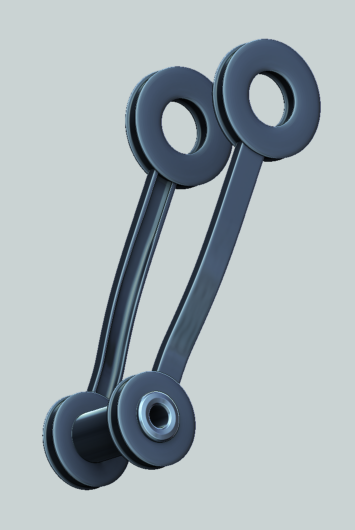
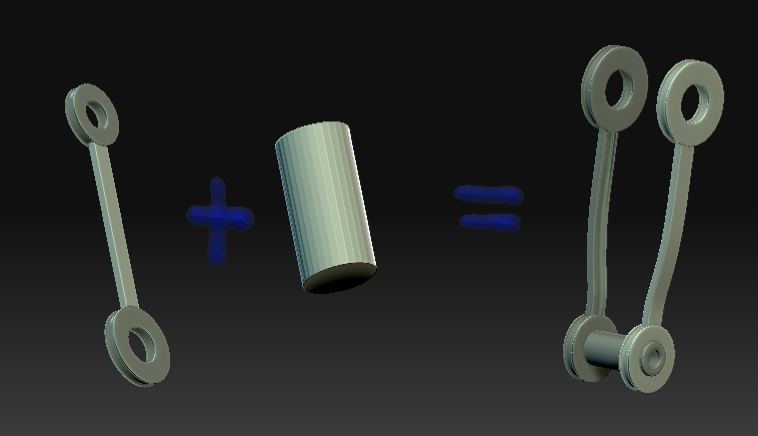
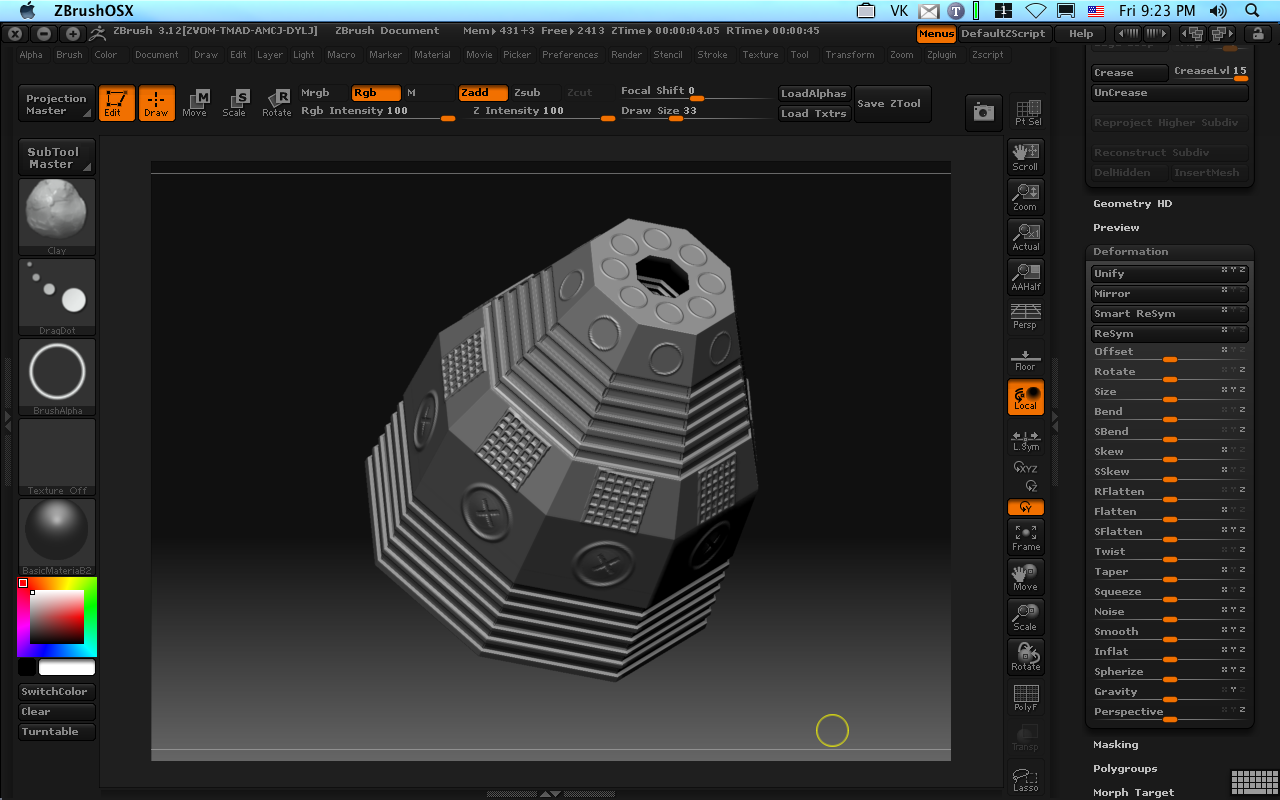
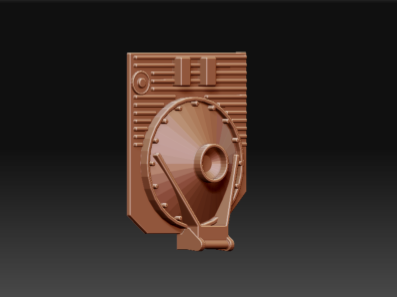
Here’s an example of using basic Zbrush building blocks.   I’ve not added much detail yet, but it gives you an idea of the power of ZB’s Primitives.   100% modeled and rendered in ZB 3.12 Mac.kfootsamp