I am truly impressed with the Zbrush 3.5 series, including the latest release R3. Having switched to 64-bit Windows from Mac for my sculpting some time ago, it has enabled me to see the latest innovations in sculpting for Pixologic. (Sadly, Mac versions are still in development with no release date in sight as of this writing.) However, if there ever was a reason for Mac sculptor to get serious about Bootcamp and Windows, Zbrush 3.5R3 may just be the reason.
With the introduction of 3.5, Pixologic introduced us to a sketching with Zspheres. Gone is the need to develop a highly planned armature before sculpting. Sculptors can now grow their base mesh model much like adding tubes or lumps of clay together and then skinning them to create a sculpt-able mesh. The primary output of this workflow is what is referred to as a “unified skin” which is a sort of smoothed voxel construction in space. Probably not an efficient animating form, but for sculpting it has the advantage of being relatively uniform mesh. Pixologic has done considerable magic in their skin generators to handle branching forms (including the more traditionally used adaptive skins.) In 3.5 R3, they have also added considerable features for defining edge loops by merely painting color on the surface of the model. That’s right, in 3.5R3, you can just paint color on the surface of your sculpture and Zbrush with calculate an underlying topology to follow your colors. It is a truely an amazing piece of technology in and of itself.
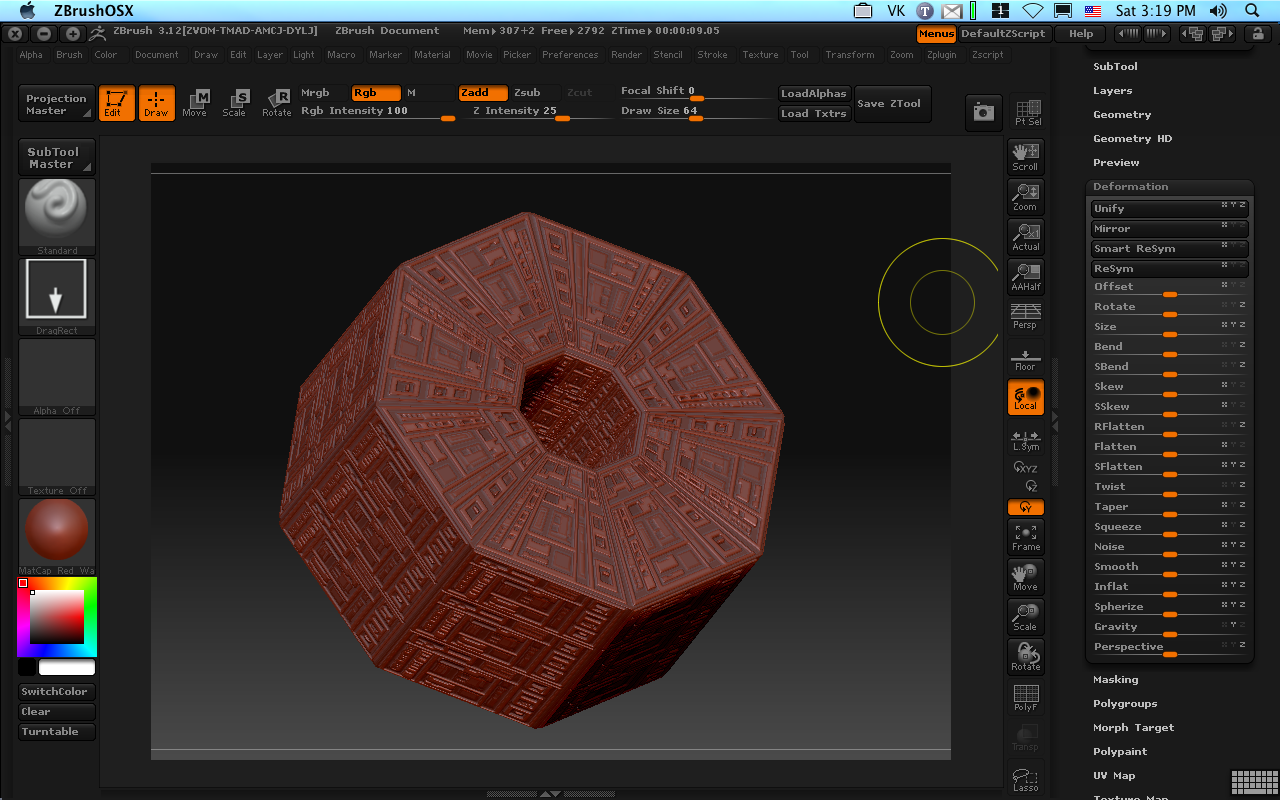
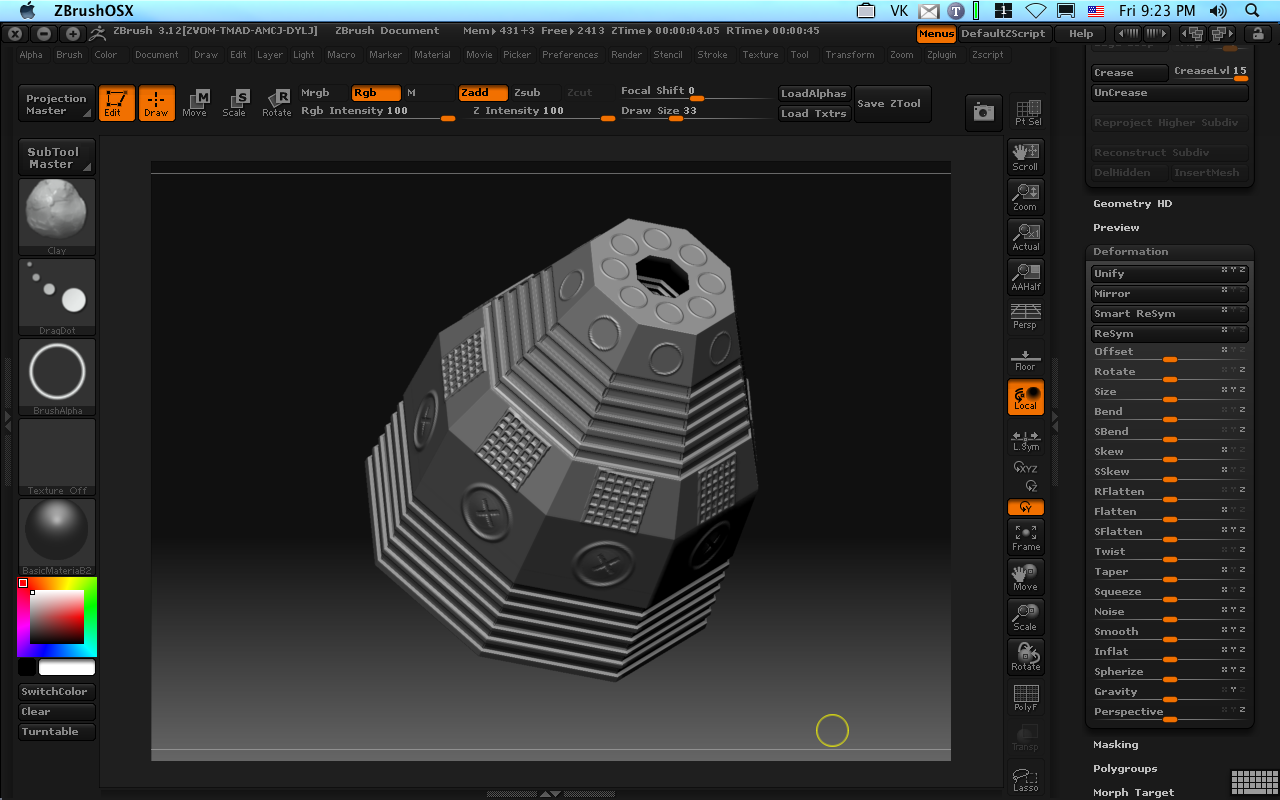
What’s more important is the sculpting tools. While R1 and R2 offered us glimpses of the power we would see with unified skins, the clay brush types were the primary manipulators of the mesh for sculpting. With the R3, a new category of polish brushes have been introduced. They take a little getting used to, but the gist is this: press lightly, the buff and smooth your surface (like running a wet finger of over clay), press hard and they gouge into the surface or operate like a planer flattening tool. It seems like a bit of an odd combination in words, but when in actual usage, the feel like the ideal detailing tools for working on hard body forms in virtual clay.
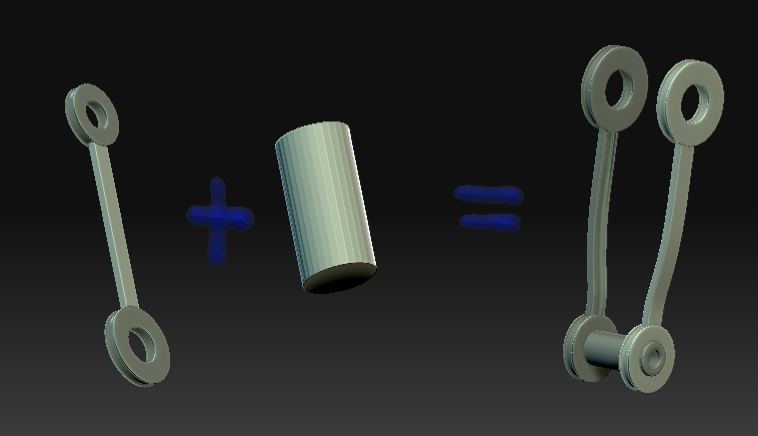
R3 also adds a Boolean system for Subtools, so many unique new forms can be quickly established from primitives including boring precise holes into surfaces or alternatively closing up holes or gaps.
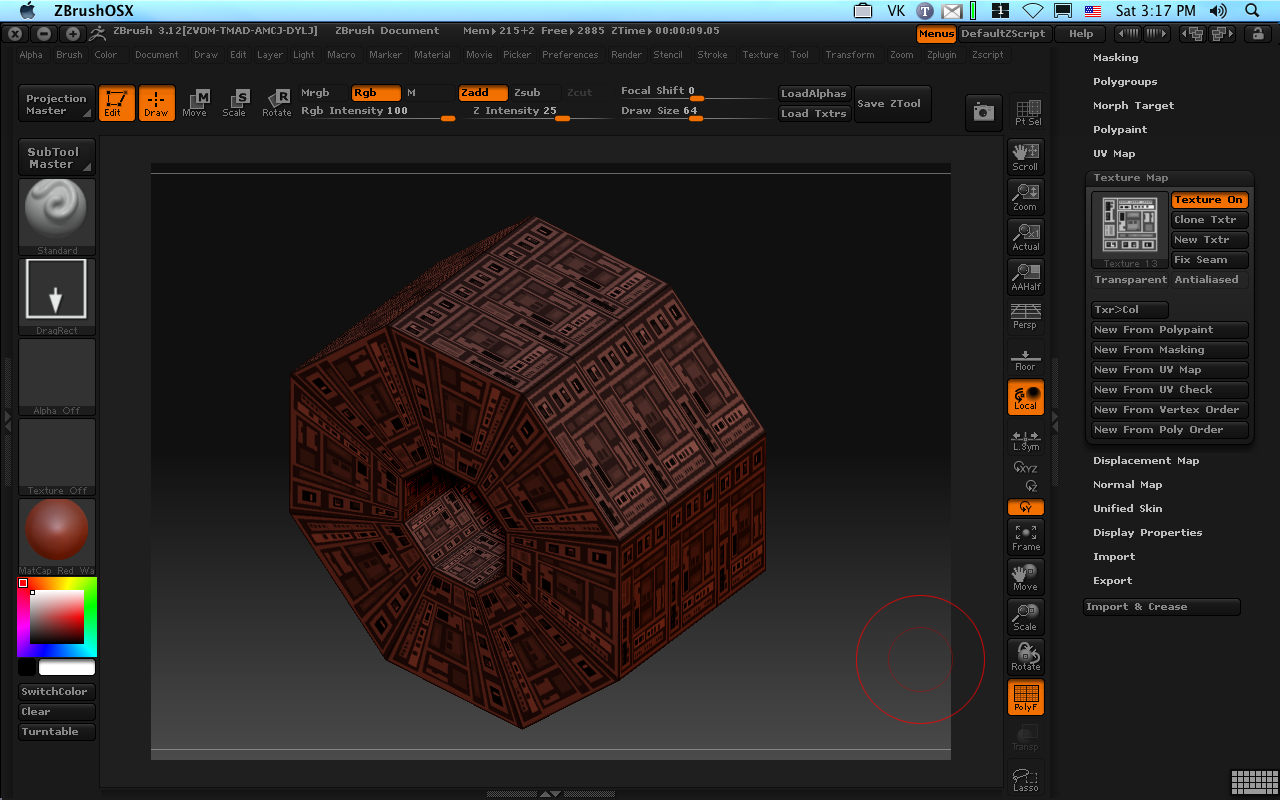
Polygroups (essentially selections) have become quite powerful in R3. They can be used to define selections, painted on textures, convert to masks, and even saved as textures (although this feature seems slightly experimental for some–use with caution.) One of the best features is that brushes can be told to automatically mask their actions with the polygroup as you contact the surface of the polygroup, thus confining the brush to that group alone. This will save tones of time detailing a model since hiding polygroups to get a a hard edge is no longer required. (Try this with the layer brush and you’ll see what I mean.)
Projection tools a better than before. This will be handy since unified skins aren’t always the best for animation. With the projection tools a complex mesh can now be easily transferred (color/surface information included) to a more traditional mannequin which can be created through traditional Zsphere adaptive skins, a SDS modeler such as Modo, Topogun, or Zbrush’s own retopology tools.
Clearly Pixologic is committed to innovating Zbrush beyond any other sculpting product out there. The fact that this innovation is free to existing customers of Pixologic is truly an amazing testament to their belief in supporting their customers (compare to Luxology’s $395 upgrade from 301 to 401 on Cinema4D’s latest “point-5″ upgrade weighing in at a hefty $695.) Zbrush is a bargain the digital sculptor cannot overlook.