WATCH OUT FOR THAT NEXT STEP!
SOME OF THE BOARDS ARE LOOSE!
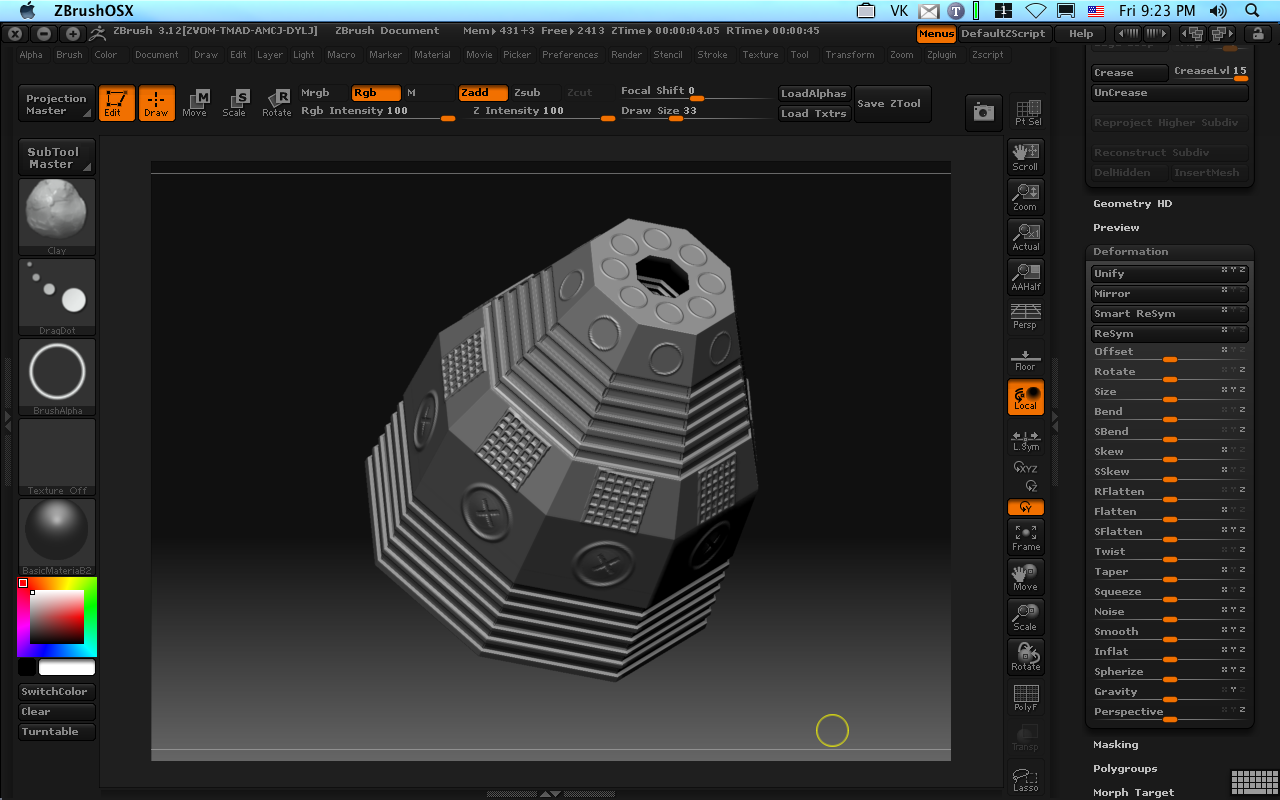
I hate writing bad reviews. Writing a bad review about an old friend seems worse, somehow. But, so much misinformation has been pushed out into the web by Pixologic’s zealots (mostly beta testers and those who live in the cottage industry of Zbrush “training” to help users get over ZB’s often bewildering interface), something needs to be said. As someone who has used ZB since versions 1.1, I bit my tongue, tried to make the best of the crumbs that Pixologic tossed the Mac community. For some weeks, I have mulled whether this review was needed–after watching Pixologic now locking any thread that has to do with Mac support, I now feel it’s time that some form of intervention. This review is my intervention.
The fellas at Pixologic got ZBrush 3.0 out the door in May. For the Windows platform, mostly windows XP, as it had issues with Vista. It had some revolutionary tools, such as a projection brush, posing transforms, and (finally) the ability to work on multiple meshes without “flattening” them to 2.5D as is Zbrush’s native desire. It’s been a long strange journey since the aborted delivery of ZB2.5, which never appeared, although the ZMapper tool did appear (again for the PC only.) The offer to Mac users: run ZB in emulation, Bootcamp, or wait indefinitely.
I took up that offer. After all, I haven’t been able to run ZB2 properly on my Intel-based Macs for some time, since Pix *never* patched ZB2 for Intel Macs or even made the remotest effort to support the Mac community as Intel Macs steadily rolled out. A single Mac user and ZB zealot had published much about workarounds, but these are erratic at best. This zealot is now telling end users that ZB3 will be just fine using the Parallels emulator. Anything that doesn’t meet with his approval such as VMware (the foremest company developing Intel-emulation systems) “sucks”. He’s posted such on Pixologic’s forums. I’d take him on, but his buddies at Pixologic immediately lock the thread after he has had his say. Such is the world of Pixologic–only reports positive to their misguided world are allowed, and when the tied goes against them, they silence discussion.
So, based on this one user’s reports, I took the challenge. I installed two copies of Windows XP SP2 (one for my personal laptop and one for my main workstation.) Cost: $450 US. I also licensed both VMware and Parallels. The I set about testing. Well, it isn’t good news. Bootcamp is slow in terms re-booting since it has to reprogram PRAM to support Windows BIOS. Almost 5 minutes between reboots including Windows starting up. Worse, Bootcamp doesn’t support more than 2GB since the extensions to support 4GB. This makes using my 8GB, Quad Intel Xeon 3GHz system seem a little silly as I also don’t seem to get very good threading out of WInXP when it comes to newer processors.
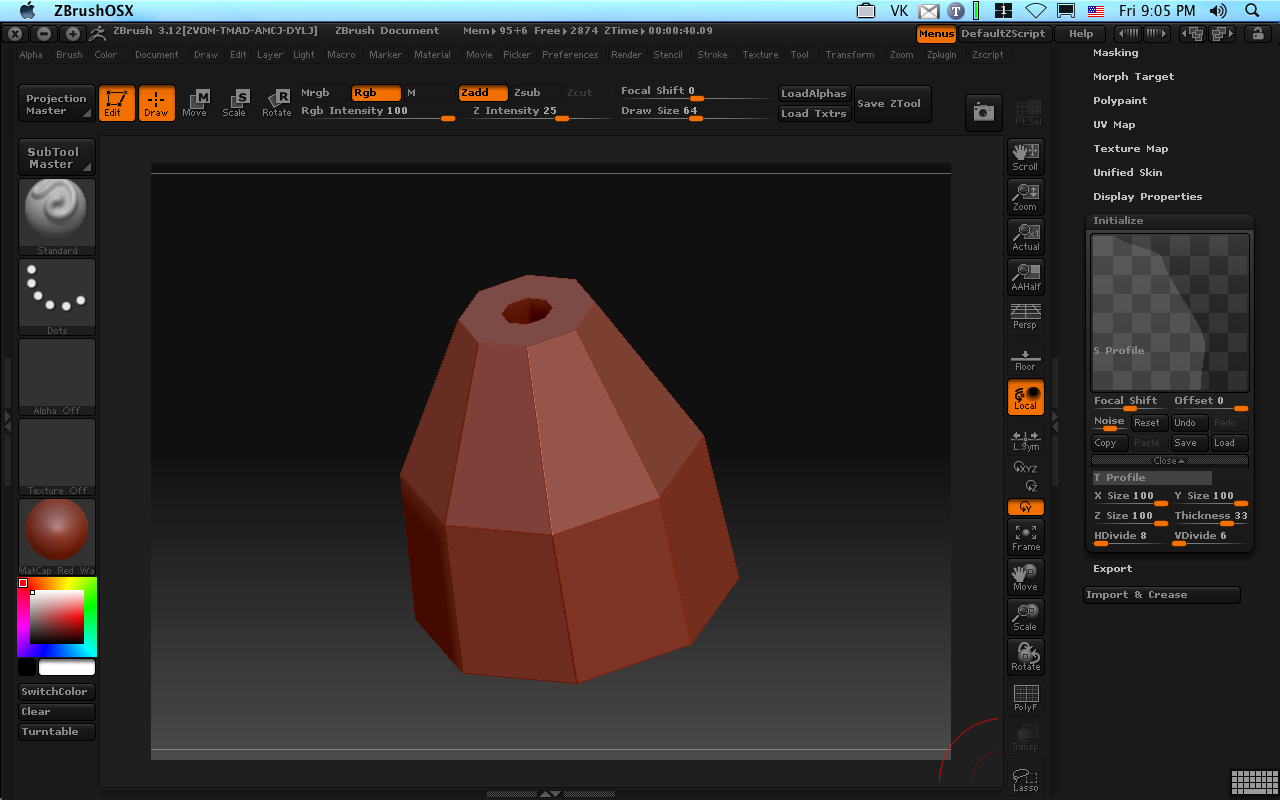
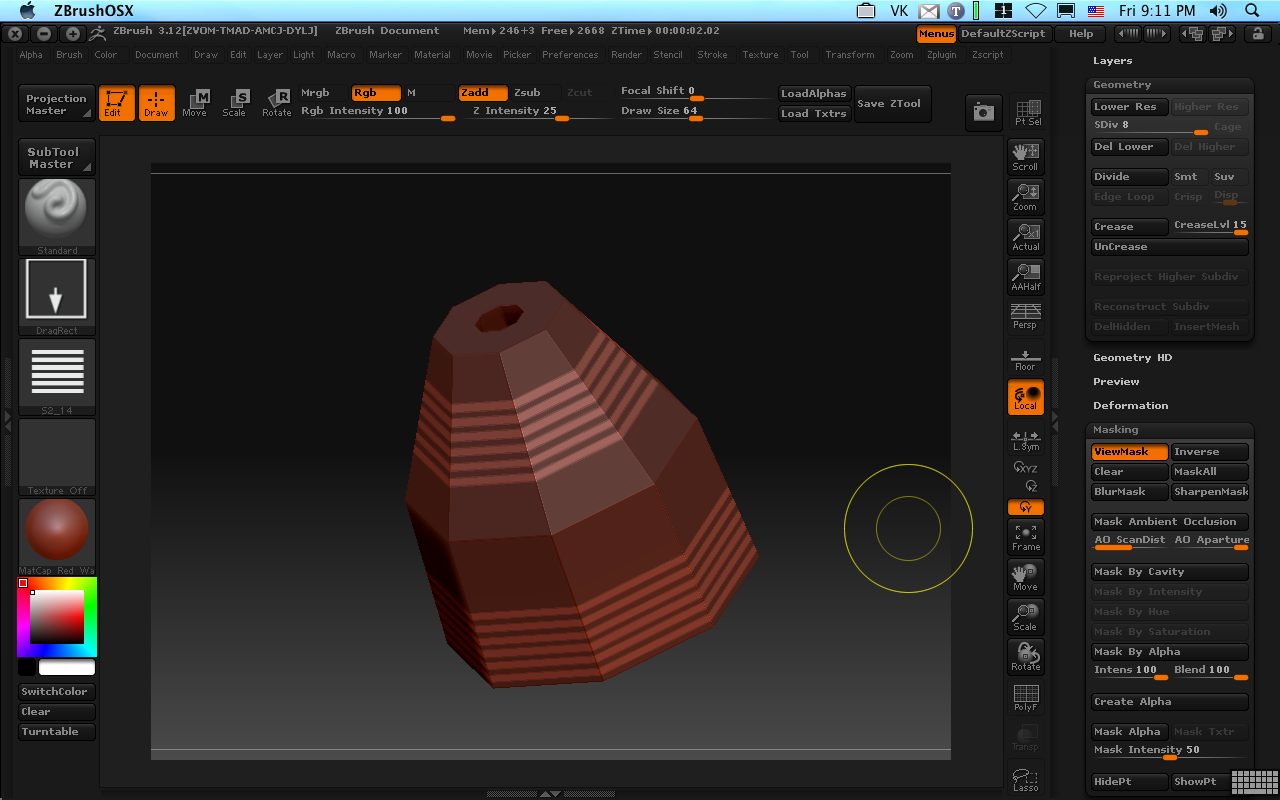
So I tried Parallels. Now I’m running ZB in on 1200MB of RAM (out of max of 1.5GB when it isn’t buggy.) Oh, and it only supports one processor. The bugs in Parallels only magnify the bugs in ZBrush 3. Crashing, out of memory issues abound. And ZB3 was only half-baked with 3.0 release–no Normal map exporting, serious problems with .obj files (which make it useless for morph targets as it messes up point order.) Dozens of hours sculpting later, I can only express frustration with the software’s erratic behavior.
Then the other problems also cropped up in emulation. I needed to spent hours to get to Windows to use a tablet? Why, because most emulators don’t support tablets. And when you have both emulator and Wacom tablet the problems multiply. Essentially, you have to trick Windows, the emulator (like Parallels or VMware) and the tablet driver to play nice. Why is this so important? Sculpting without a pressure sensitive device is like means that you have no control of the strength of your sculpt. Everything is flat, like trying to shade with a new magic marker when you need an airbrush’s delicate touch. Pixologic’s and the zealot’s response? We didn’t test it–we sculpt only with a mouse. Considering that more than 80% (by my survey) sculpt and paint with tablets, this is a shocking omission in terms of user interface.
My experience with VMware was slightly better. At least VMware would let us use 4GB of RAM and two Processors (out of four.) Unfortunately ZB demands for it’s ZMapper utility OpenGL. It doesn’t really need that power to bake maps, but to preview them. Does ZB give you the option to use DirectX (which is far more dominant on Windows)? No. Do they allow you to turn off the calls for OpenGL? No. What they do is throw hundred of OpenGL errors with no way to regain control of ZB but to force-quit ZB.
I could talk about features. ZB3 has many new ones and it looks like it might someday be a nice tool. But Pixologic, through its unofficial spokespeople doesn’t really care about the Mac. I invite anyone to study the posted comments on their own message board. And the official spokesperson? Just locks the thread and says nothing but it might be “months” before we get Mac news. Such is the state of the development at Pix. So do features really matter if they are implemented so badly and unreliably on the proposed platform? In a future article, I’ll try to address some of ZB3’s new features and how they might fit into a sculpting pipeline. For now, suffice it to say that in terms of features, Pixologic has done great things to anticipate the needs of sculptors, even if those features are mostly inaccessible to the poor state of ZB3 on the Mac.
I have also been testing Nevercenter’s Silo 2 and Luxology’s Modo 301. I can say that when Modo301 one comes out, it will clearly be the Mac solution. Not only will you have one of the best SDS modelers available (despite the scoffs of ZBrush zealots who haven’t even tried the program), but it will have mesh, displacement, and bump sculpting. Moreover, you will have virtually *every* important feature in the ZB toolset other than some of ZB’s 2D effects. I have been personally beta testing Modo 301 for the last few weeks and I can say that a beta from Luxology beats a production release of Pixologic any day of the week.
I know my opinions are strong, but Pixologic has mislead the Macintosh community, constantly broke promises to repair the defects in the products, and now their misleading Mac users again. Don’t be fooled. Pixologic’s ZBrush is no longer the pro-tool of choice. Do yourself a favor and investigate your options before plunking down hard-earned dollars on ZB3.
This tutorial assumes you’re on a Mac and want to use Zbrush3 under VMware Fusion (currently at release candidate 1) hosting Windows XP Pro SP2 with a Wacom tablet. Make sure Wacom tablet is functioning in OSX first. Make sure you have a second mouse connected to the computer before you begin–I will refer to this as your “other mouse” when you need to use it.The steps: