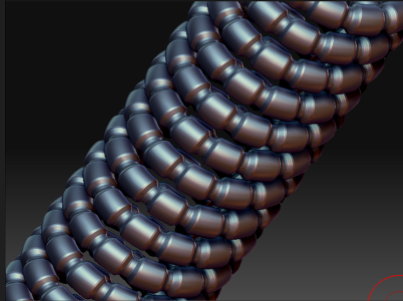
With unusually little fanfare, Autodesk Mudbox 2009 is now shipping for the Mac. It looks like there will be 30-day demo version available next week. Read about here: http://area.autodesk.com/index.php/forums/viewthread/25575/. Not suprisingly, Pixologic (makers of Zbrush) erradicated the thread on their forums written by concerned Mac users about the lack of displacement map generation. ZB 3.5 is still lost in space, so mac users might want to join the Mudbox party at DashDotSlash.Net, where you can find lots of tutorial material from Wayne Robson (former ZB guru) on the new sculpting entry on the Mac, Mudbox: http://www.dashdotslash.net/.
Getting low latency in Vista64 is often important for real-time audio work. Unfortunately, converting a couple of Mac Pros presented a variety of challenges, several induced by Apple’s somewhat half-hearted approach to Bootcamp. (Who can blame them? They want to push OSX and making their hardware super-friendly to OSX isn’t exactly on their agenda . . .)
My motivation for Vista64 was pretty straight forward–first, I needed to run apps that simply aren’t available on the Mac and no good equivalents existed. Second, most application are better tested on Windows than Mac due large user bases. Third, I find that Apple’s pricing strategy isn’t going to work for me in the long run, especially on notebook systems. (I use relatively high powered notebooks.) But I digress . . . getting to low latency Vista 64.
First, getting Vista64 on older Macpros is itself a challenge. Why? Because Apple’s EFI firmware on systems minted before mid-2008 is not EFI 2.0 compliant, but an older version. Apple doesn’t seem to be in a hurry to bring these systems into compliance like other vendors nor does it seem fully compliant with older BIOS-base techniques. Being niether here nor there creates a problem for Vista 64 SP1 as distributed. It expects either a pure BIOS solution or EFI 2.0 solution and Apple really offers neither. Put the Vist64 SP1 disk in and you’re going to see a boot error. How to get around this?
It turns out it’s a pretty straight forward operation, you will need to copy the Vista64 SP1 DVD to a new DVD and remove all the “;1″ stuff at the end of file names. That’s it. With those “;1″ markers (e.g. versioning) off the disk (from the current ISO 9660) standard. You’ll be abe to boot and install Vista. If you have a system running parallels or bootcamp, or another Windows system handy, a nicely detailed blog entry here (http://jowie.com/blog/post/2008/02/24/Select-CD-ROM-Boot-Type-prompt-while-trying-to-boot-from-Vista-x64-DVD-burnt-from-iso-file.aspx) can walk you through doing it with the free imgBurn utility. OK so much for the “U” in UEFI . . .
Once you have Vista you’ll need drivers. Apple has published 64-bit drivers with Bootcamp 2.1 so you’d think that’d be a skate. You’d be wrong. While Apple published drivers, they only published them as an “update” and you guessed it, Apple’s installers won’t let you install 64-bit drivers on hardware minted before mid 2008. Not willing to buy more Apple hardware to run 64-bit Vista on my allegedly 2006 and 2007 64-bit hardware (Xeon and Core2 for those who are interested), nor was I willing to wait for the class-action “you said it was 64-bit but you did nothing to let us use it” case to kick in, a bit more investigation was order.
The net-net is that the drivers are available, but you’ll have to have a “new” version of the Leopard install disk (not the original distribution, but the Leopard disks that came with the post-mid-2008 systems.) They have a the current drivers and you can grab them from there and run them individually. Alternately, there are torrents out there that have the drivers if you can’t lay your hands on them. This will get you to Bootcamp 2.0 and then you can apply the Bootcamp 2.1 patch from apple, which is available here (http://support.apple.com/downloads/Boot_Camp_Update_2_1_for_Windows_Vista_64). One might ask Apple why we have to go to Pirate bay to get the working drivers for the 64-bit hardware we paid a premium price for, but I digress . . .
At this point you should have a 64-bit Vista system up and running. It may need some bedding in, so let Windows Update do its its job and get your OS up to code, get yourself a good antivirus program (I like Symantec Norton or McAffe), and you perhaps update your Video drivers (nVidia has updated Vista-64 drivers on their web site, for example.)
Now that your up and running on Vista64, the next step is to get latency under control . . . solutions coming up in Part II
Well, the Luxology gang has been busy previewing Modo 401 for the past few weeks. I’ve held back on commenting in the hopes that I’d see something worth commenting on. To be honest, it looks like Modo 401 is aimed at enhancing their rendering features. Sculpting & Painting (along with the attendant bugs, inefficiencies and just down right baffling errors in terms of understanding what a modeler does . . .) seems to be forgotten in this latest push. The main features they’ve wanted to bring out are: Fur, Lighting & Rendering Enhancements, and replicators. Since Modo’s animation capabilities are somewhere between slim and nil, I’m pretty surprised to see their current obsession with still image work. Without attending to the weaknesses in their hold as modeller, I get the sense that Modo is heading into a neither here nor there world. Not quite the best modeller, not quite the best UV solution (UV Layout has that one locked up at the moment), not quite an animation package, not quite the best hair/fur system, no quite the best sculpting system, not quite the best texture map paint system . . . well, you get the idea. Pretty much everything that Modo offers can be done better elsewhere. Clever stills that infer fluid dynamics (without delivering the actual animation) pretty much is a yawn . . . where’s the cutting edge in still replicators when the real work is animating flocks and crowds? Where is sculpting when it’s crippled by a slow image-based solution which is far outstripped by new contenders like 3D Coat which is already incorporating Voxels into their sculpting . . . Where is the innovation Luxology?
Don’t get me wrong, the still images they’re showing are indeed pretty, but I just don’t see where Modo wants to be in the 3D Universe . . . it seems mildly deficient in many departments, and has given ground in modeling/UV to Silo while giving sculpting up to Zbrush & 3DCoat. Painting they never really had a lock on (sorry, Bodypaint is better at it), Animation is outstripped by XSI, C4D, Maya, max etc.
At $895 a pop (with probably another $295 from existing clients) wher does Lux go? I’ll keep following the story, but it is not a promissing beginning. Prove me wrong Lux, I’m still cheering for you to turn it around, but it looks to me like your development has turned your back on modelers and sculptors for the flash of still rendering.
——
Update 4/9/09: So far not much new. They have revealed a few modelling tools which will be welcome enhancements to things like beveling, but nothing earth shaking. Luxology has devoted as much time to the amazing new feature, “Presets”, which apparently they believe is as important as any new modeling enhancement they have made. Judge for yourself.
-K

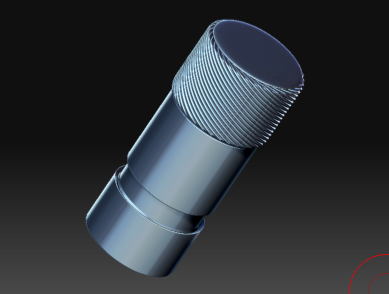
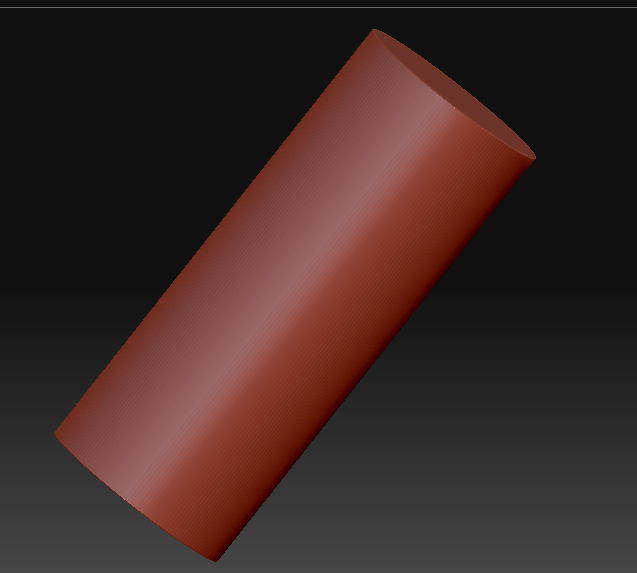
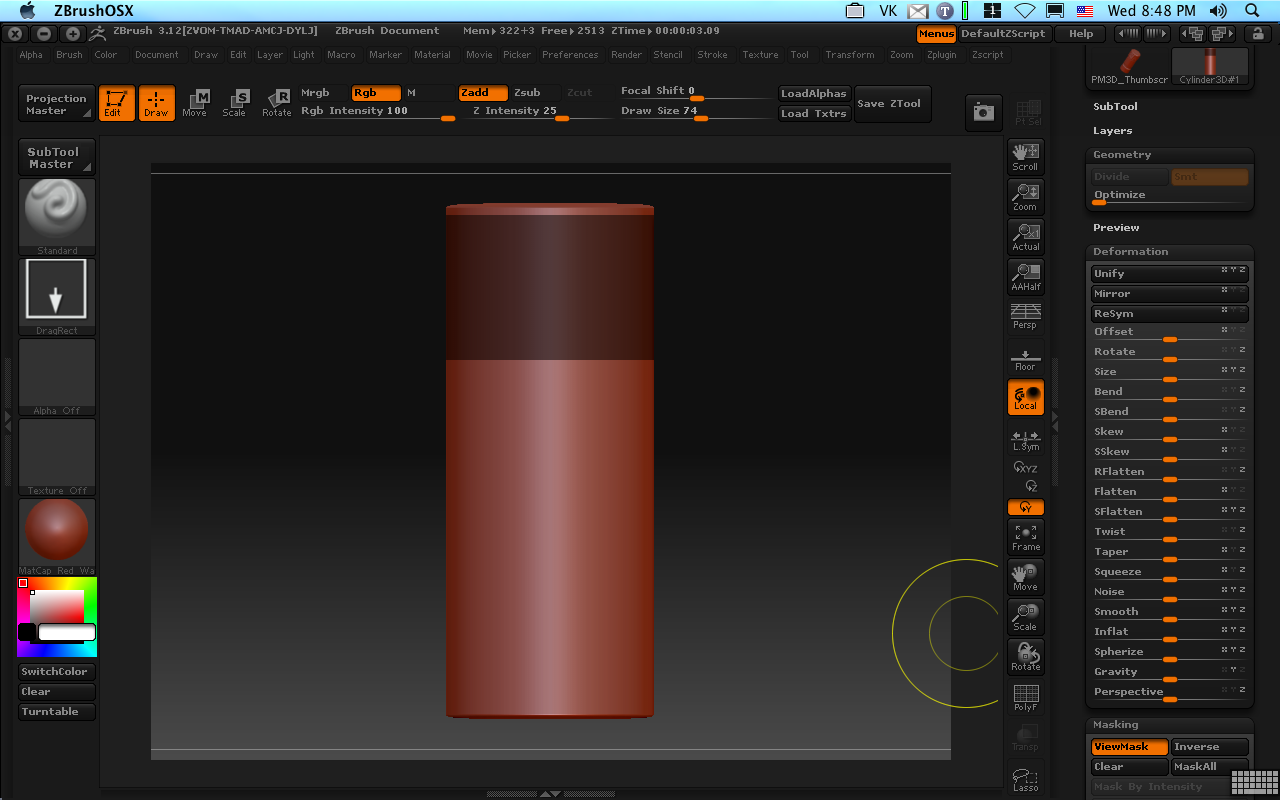
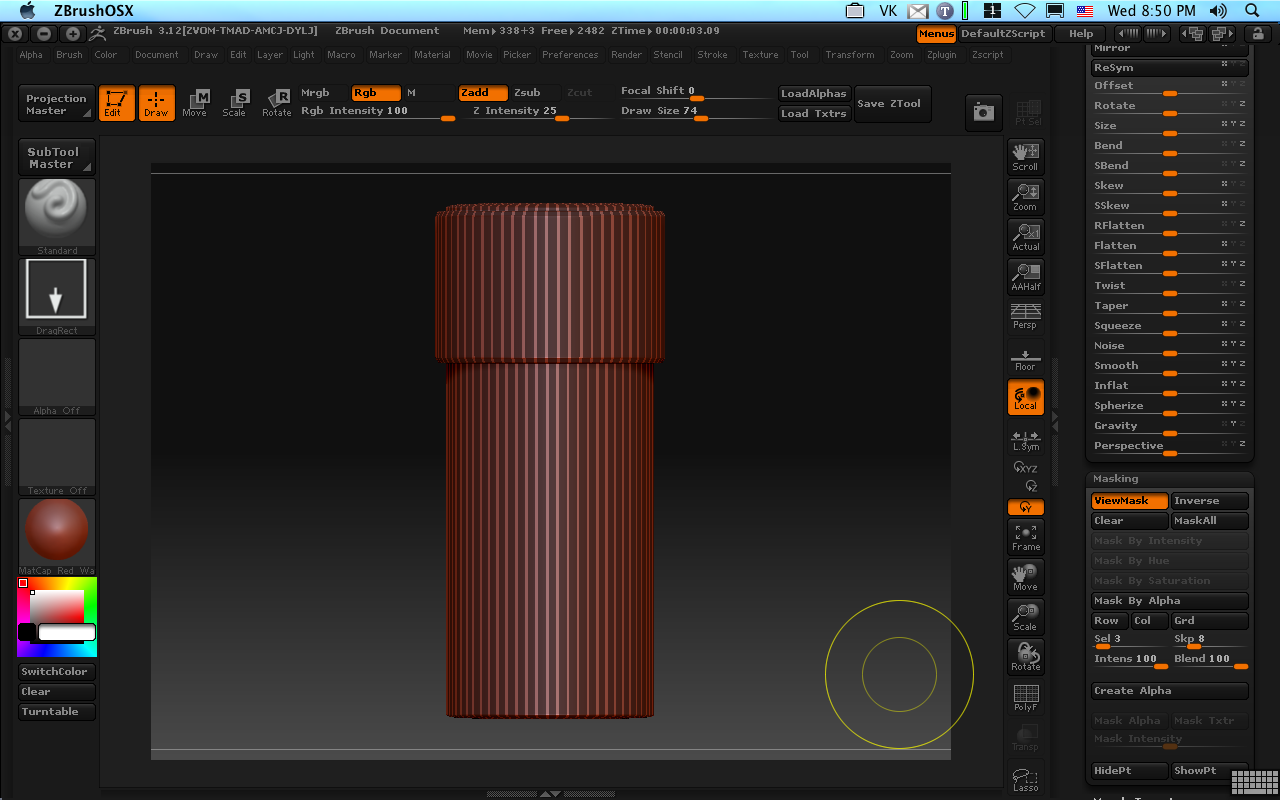
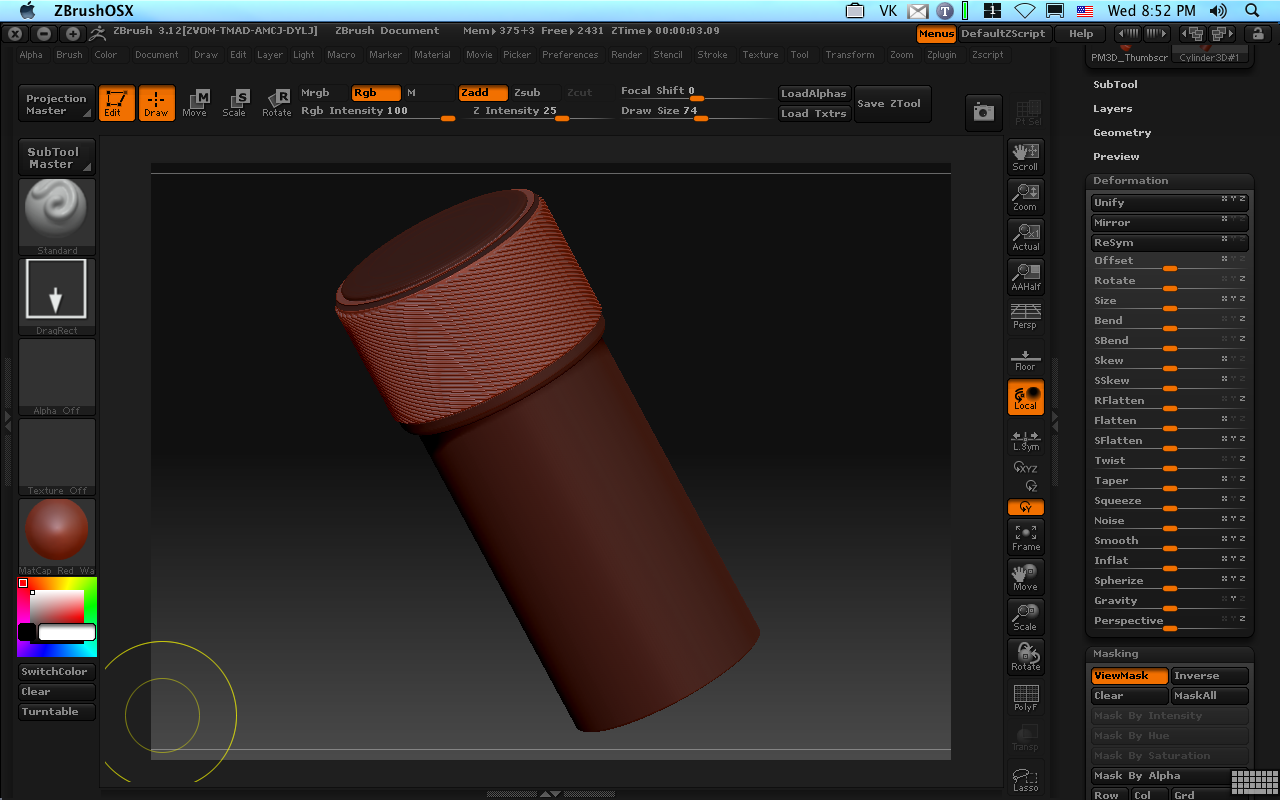
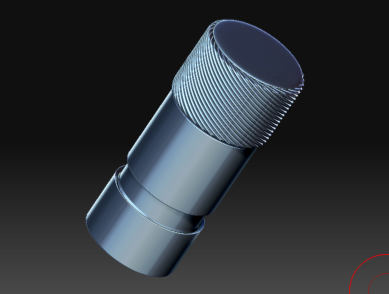
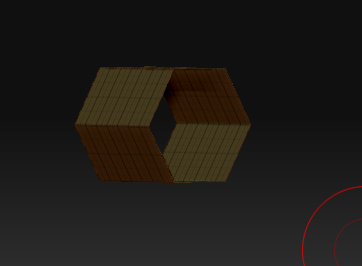
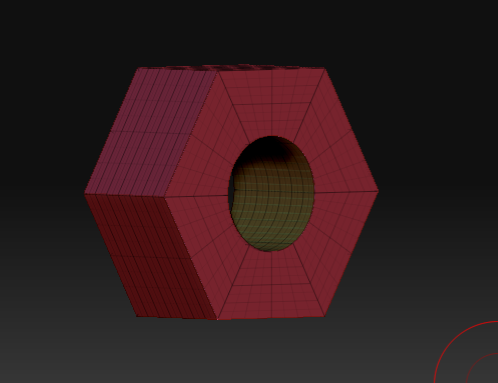
Wireframe cages are handy. They’re pretty easy to make. In fact, you can make a wireframe of any mesh’s level 1 polygons quite easily. You start with your basic mesh, and apply UVTile UVs from the UV pallet.
Subdivide the model 3 or 4 times so you have some nice detailed geometry to work with and store a Morph Target use “StoreMT” on the Morph Target pallet–we’ll need this later.

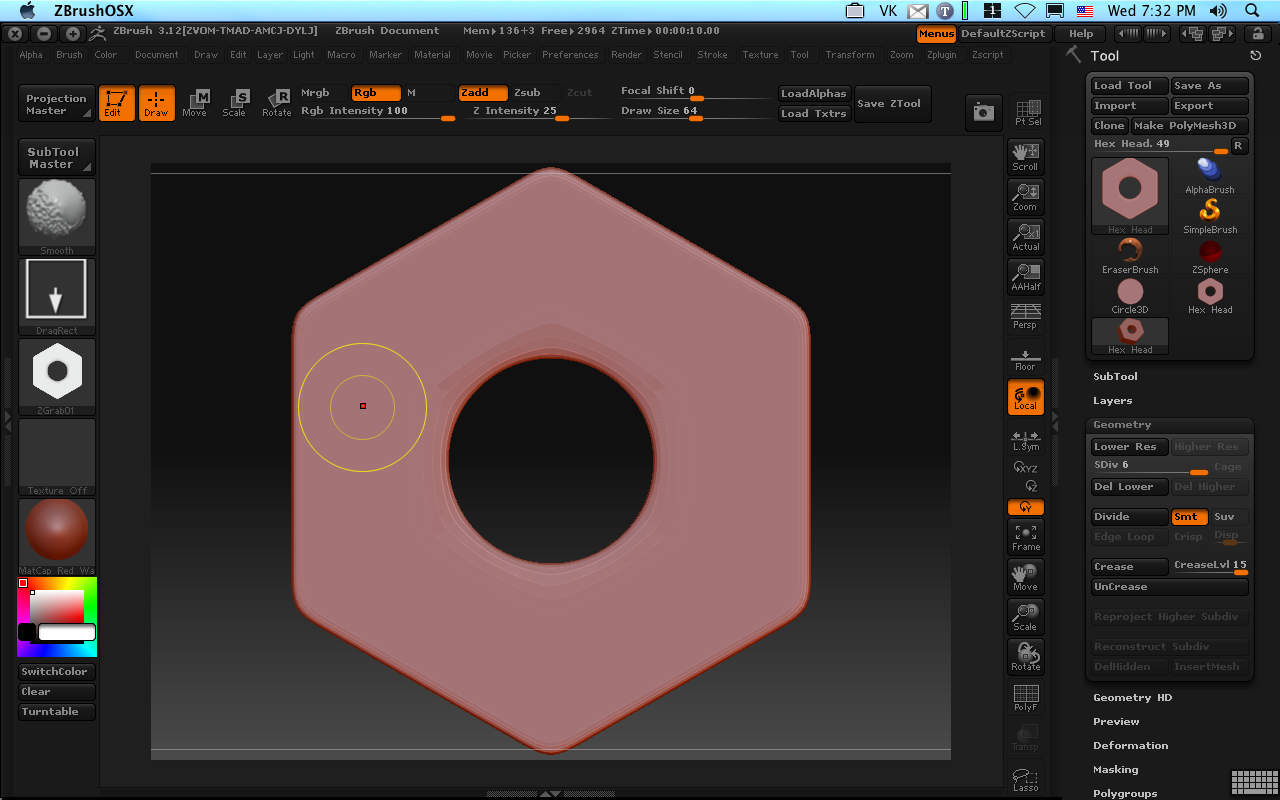
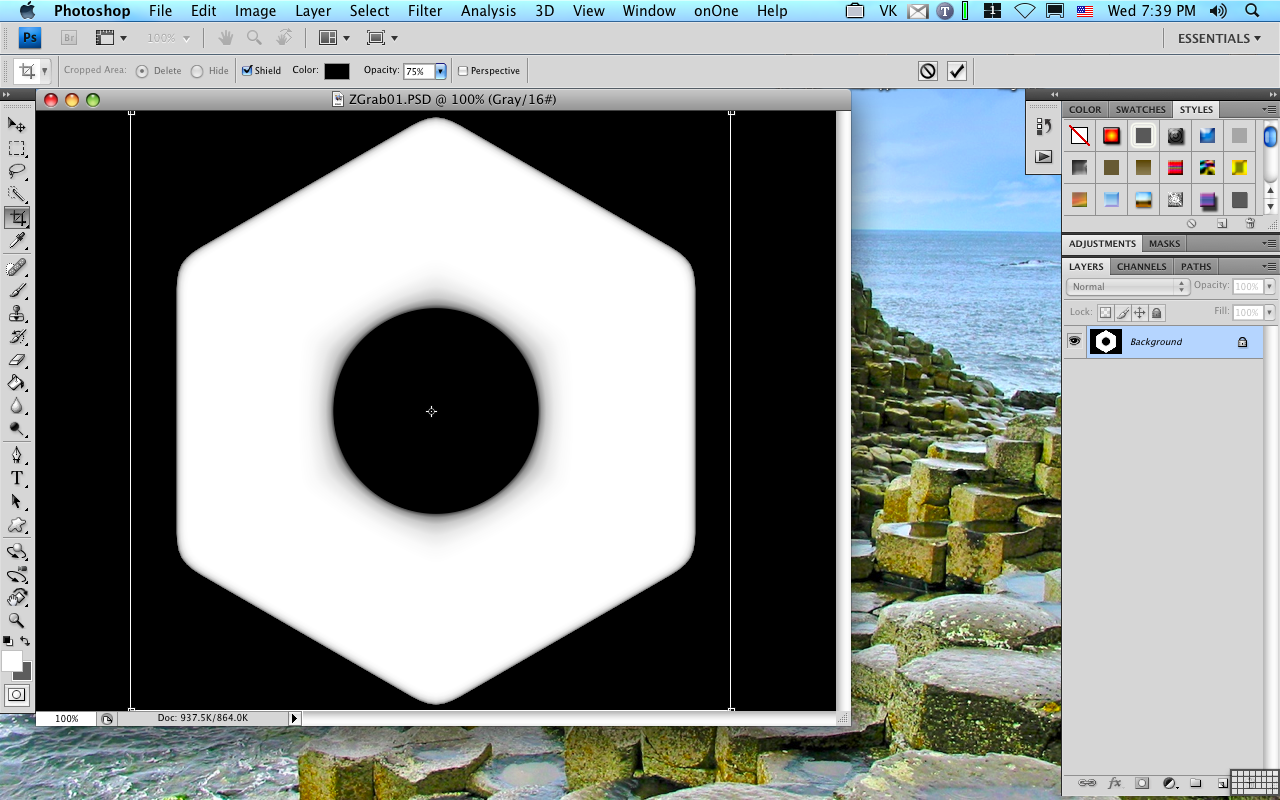
Next, we want to mask the wire look. This is easy–alpha 28. It just looks like a square smaller than the the full alpha space.
Use “Mask by Alpha” on the Masking subpallet and invert. I filled out the mask top and bottom squares from my alpha because I’m going to want a place to drop in a logo later. 
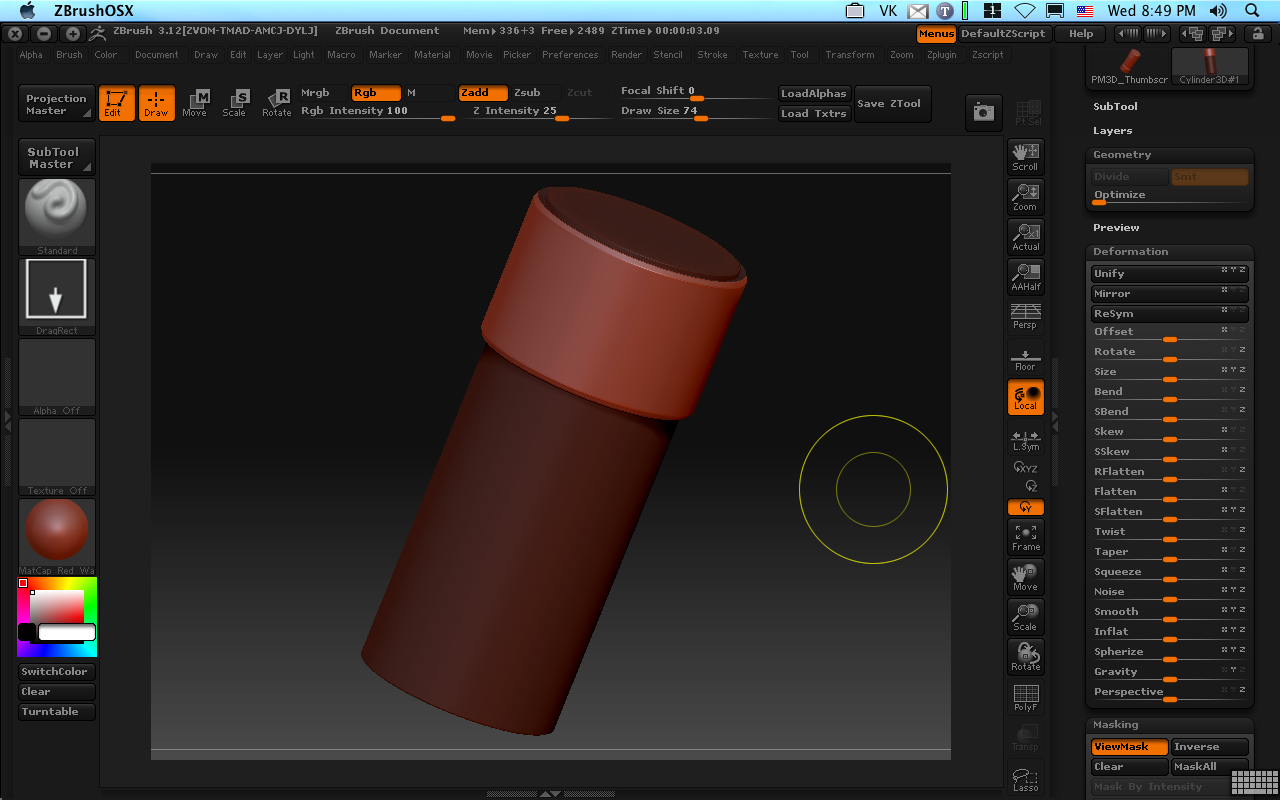
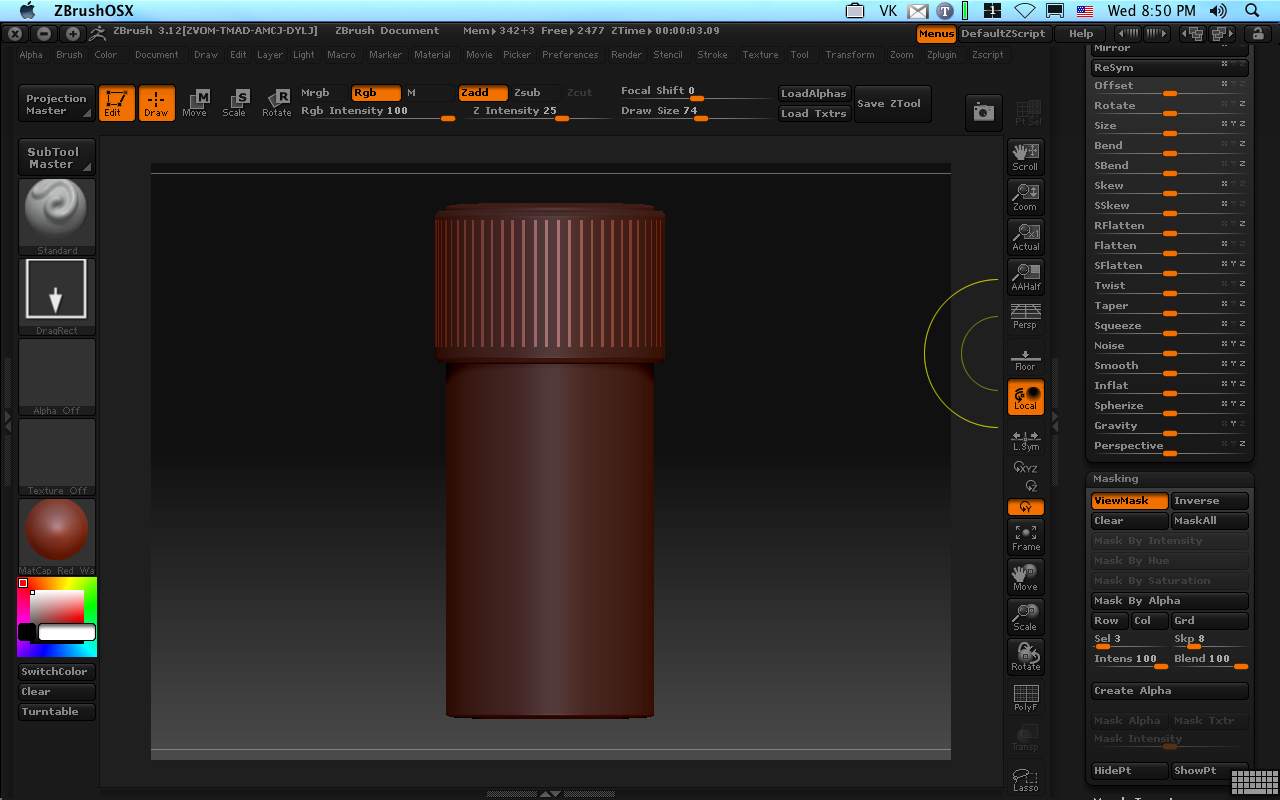
A quick application of inflate and we have the shape protruding up from the basic object. 
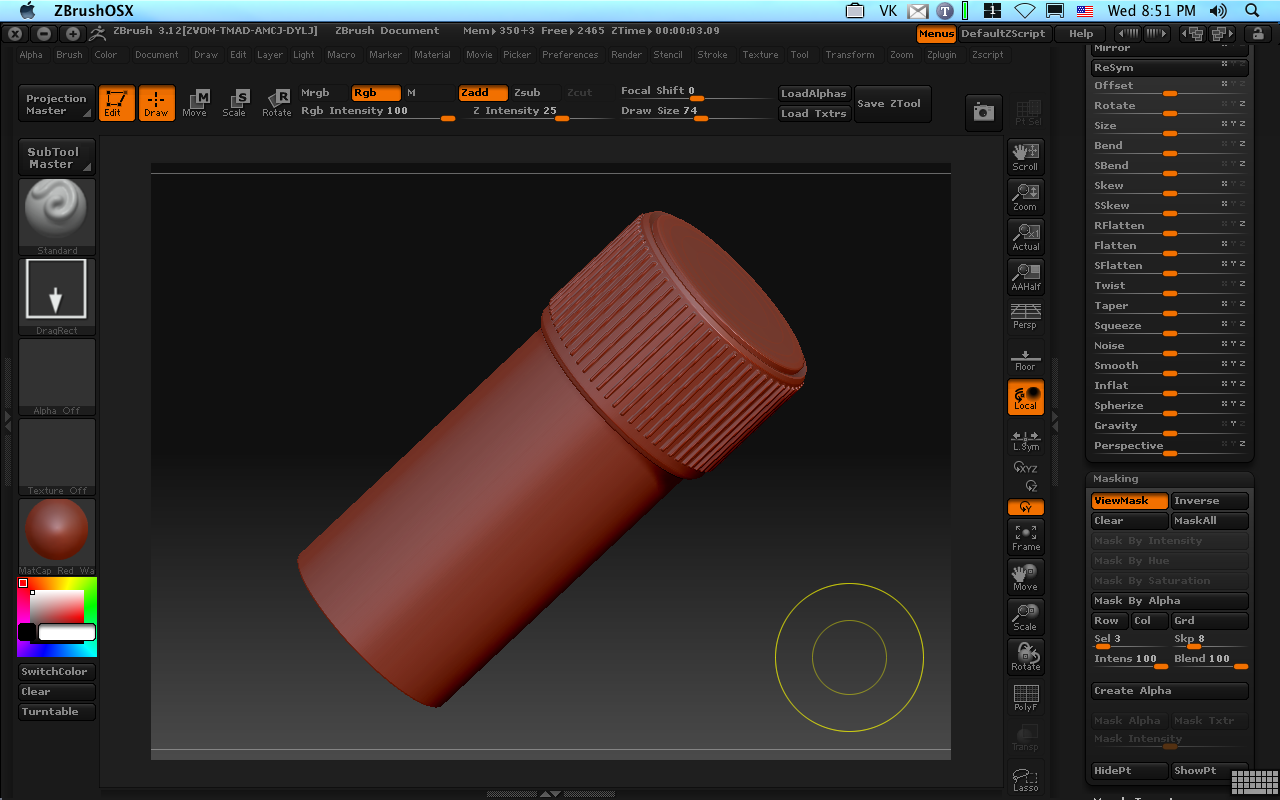
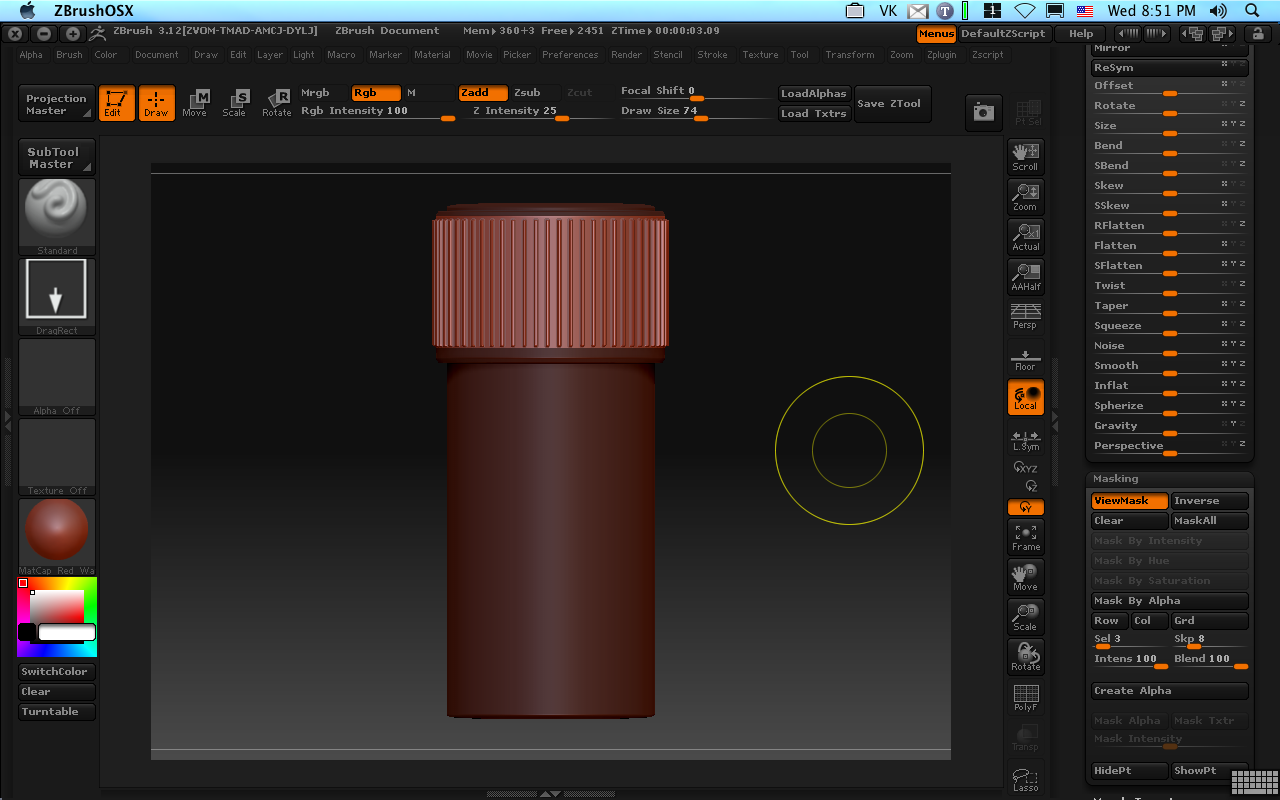
If only Zbrush had a way to just save this frame and chuck the rest. It does! Remember that morph target we saved? Well, there is another handy button on the Morph Target panel marked “Create Diff”. Press it once and it will create a new tool in the tool pallet which is the difference between the existing mesh and its stored morph target. Since we only raised up the wire shape, that’s the only difference and that’s what we’ll have left, leaving us with nice wireframe shape.
I’m Famous (or Infamous)
Jan 28
I’m quoted in 3D World’s March 2009 issue in the Article, Zbrush for Mac Trips Up. I won’t reprint the whole article here since the specter of copyright violation has been raised (oddly by Pixologic and not 3D World.) Relying on the journalistic protections of the 1st Amendment to the US Constitution and subsequent “Fair Use” rulings of the US Supreme court, I’ll entertain you here with a few tidbits from the article, which can be found on page 28 of the March issue.
The article begins with: “The relationship between Zbrush Developer Pixologic and some Mac-owning members of its customer base have deteriorated after the company’s garbled response to an apparent major bug in the latest release of Zbrush for Mac OS X.
I’m quoted as saying (from one of my forum posts on the subject): “It’s important for Pixologic to understand that incompleteness, costly work-arounds, and unknown timelines for fixes simply to reach parity in key functionality [with the Windows release] is not what we expect as customers.”
Jamie Labelle (Pixologic’s General manager) is quoted in the same article as saying: “There was a problem on our side with lack of communication . . . but for some it does work and for others, it is an issue.”
Labelle did not rule out a patch. He is quoted in the article as saying “It depends on how [the tool] will be re-written.”